
To look for a specific guest, go to the Guest List tab in the sidebar
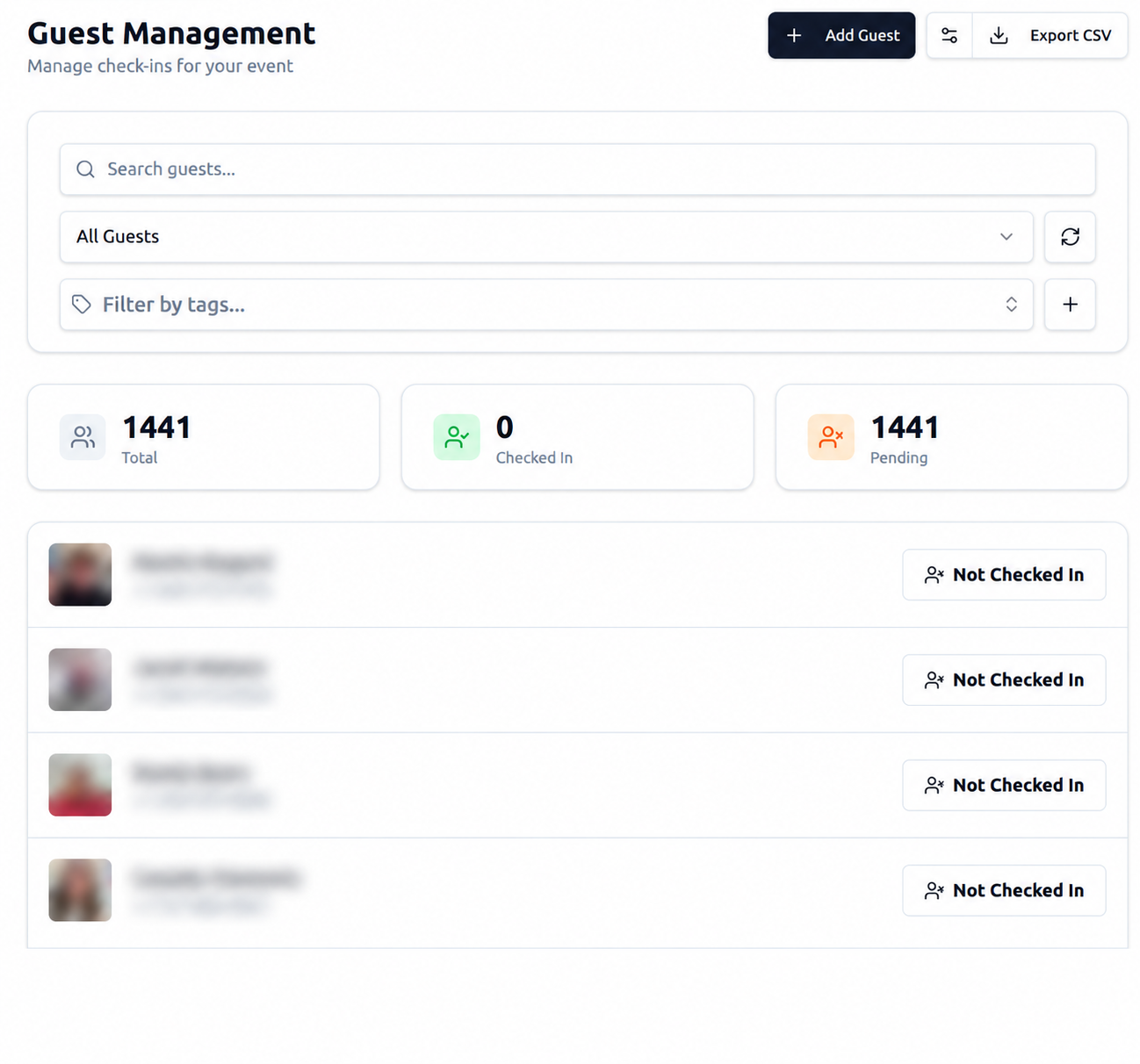
The list is organized by "most recent first" so guests that signed up or got updated recently will be at the top. You can also search by name.
Clicking on a guest bring you to the details page, including their contact information
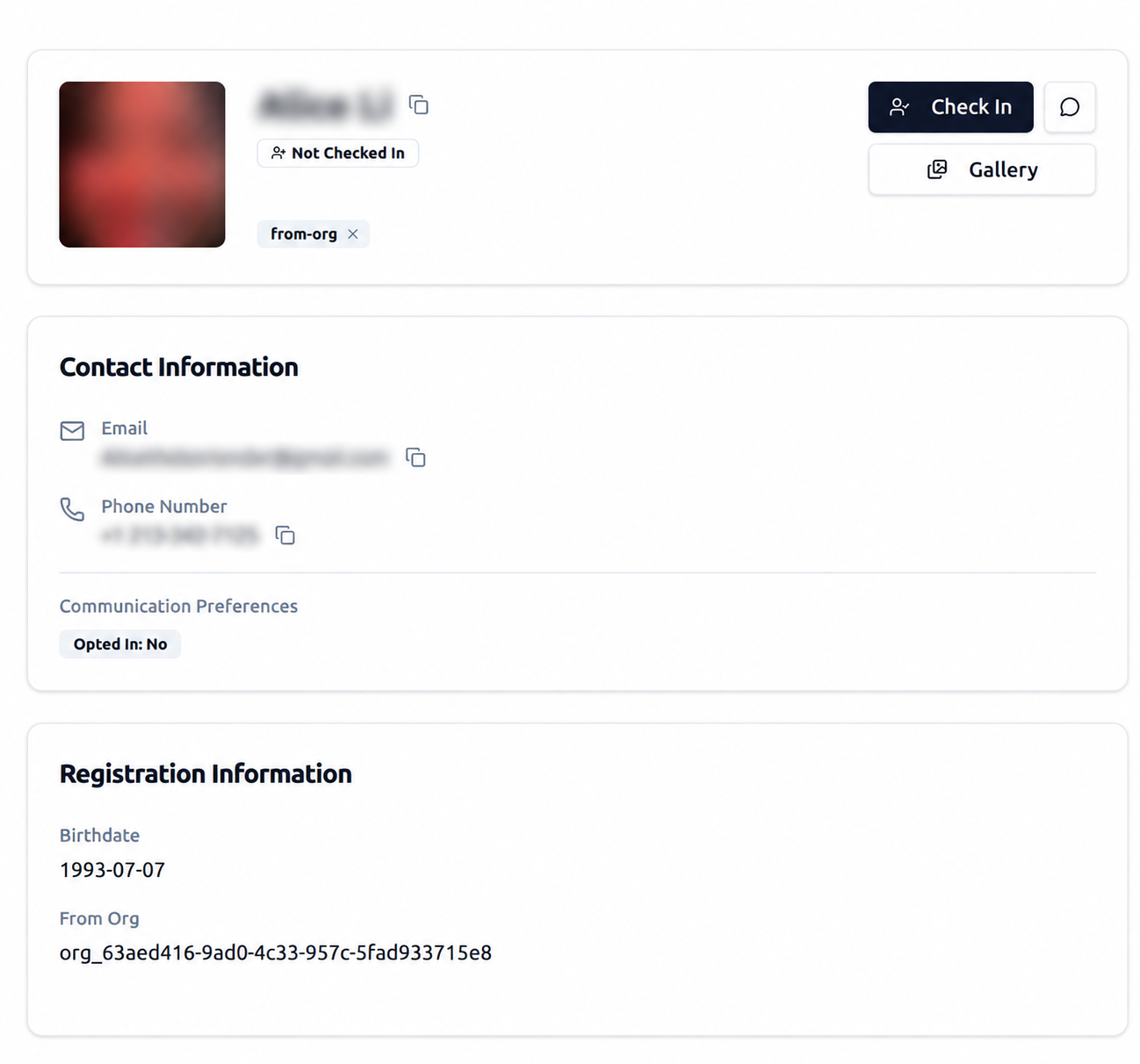
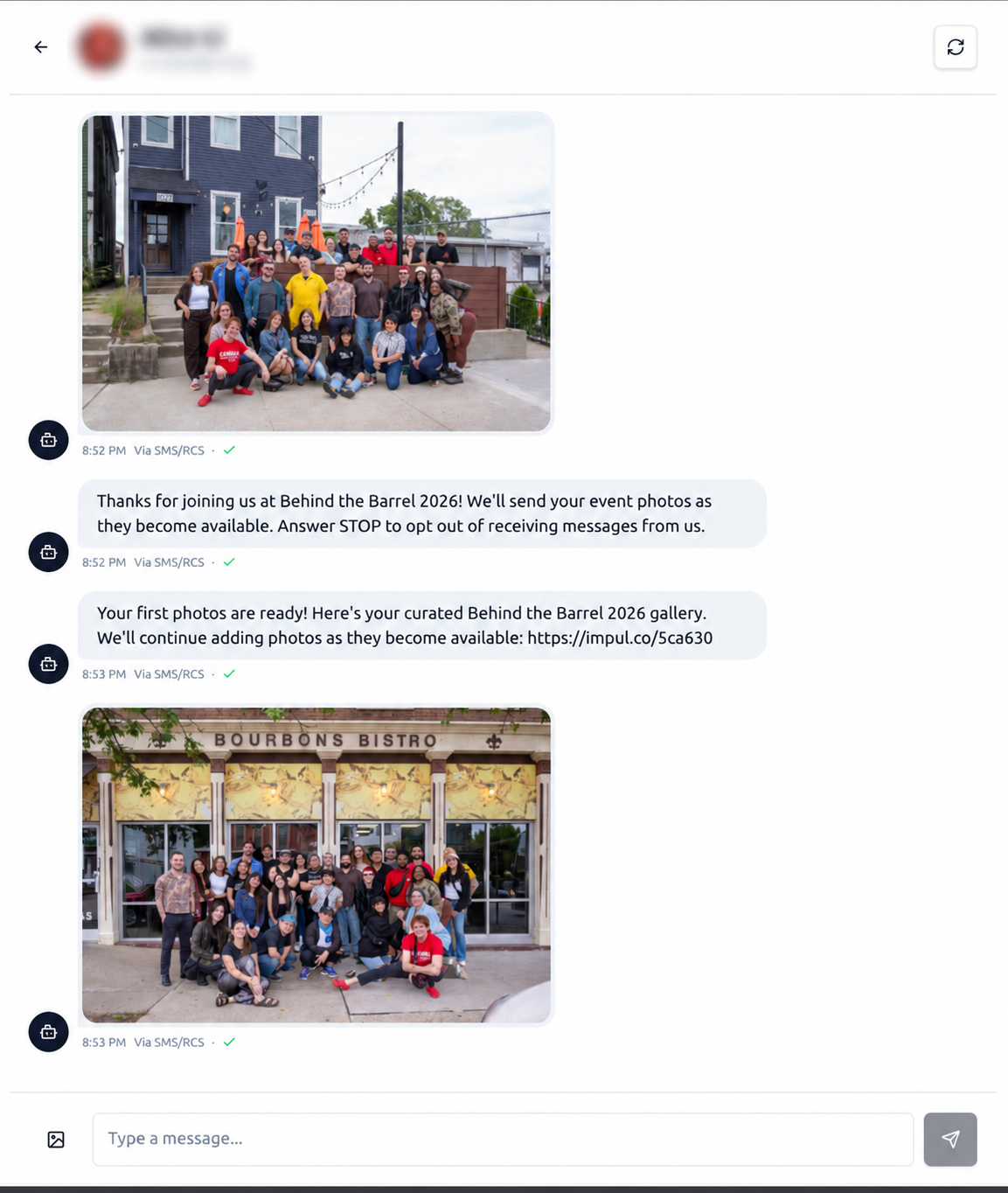
Click on the conversation button at the top right to send messages to the guest
Take the Next Step with Impulse
Start your journey toward more engagement, greater social reach, and data driven decisions. Use Impulse and unlock your events' full potential.