

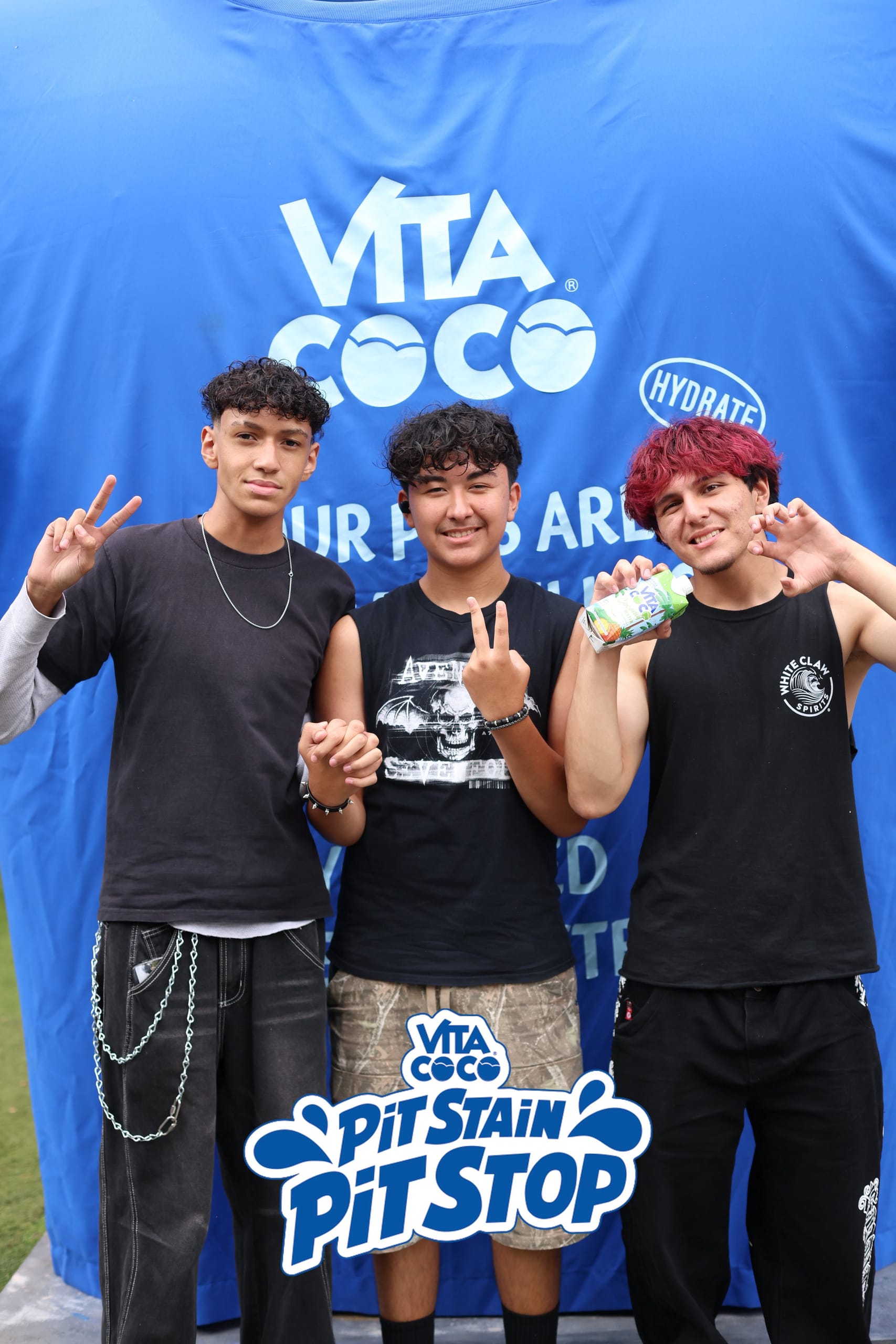
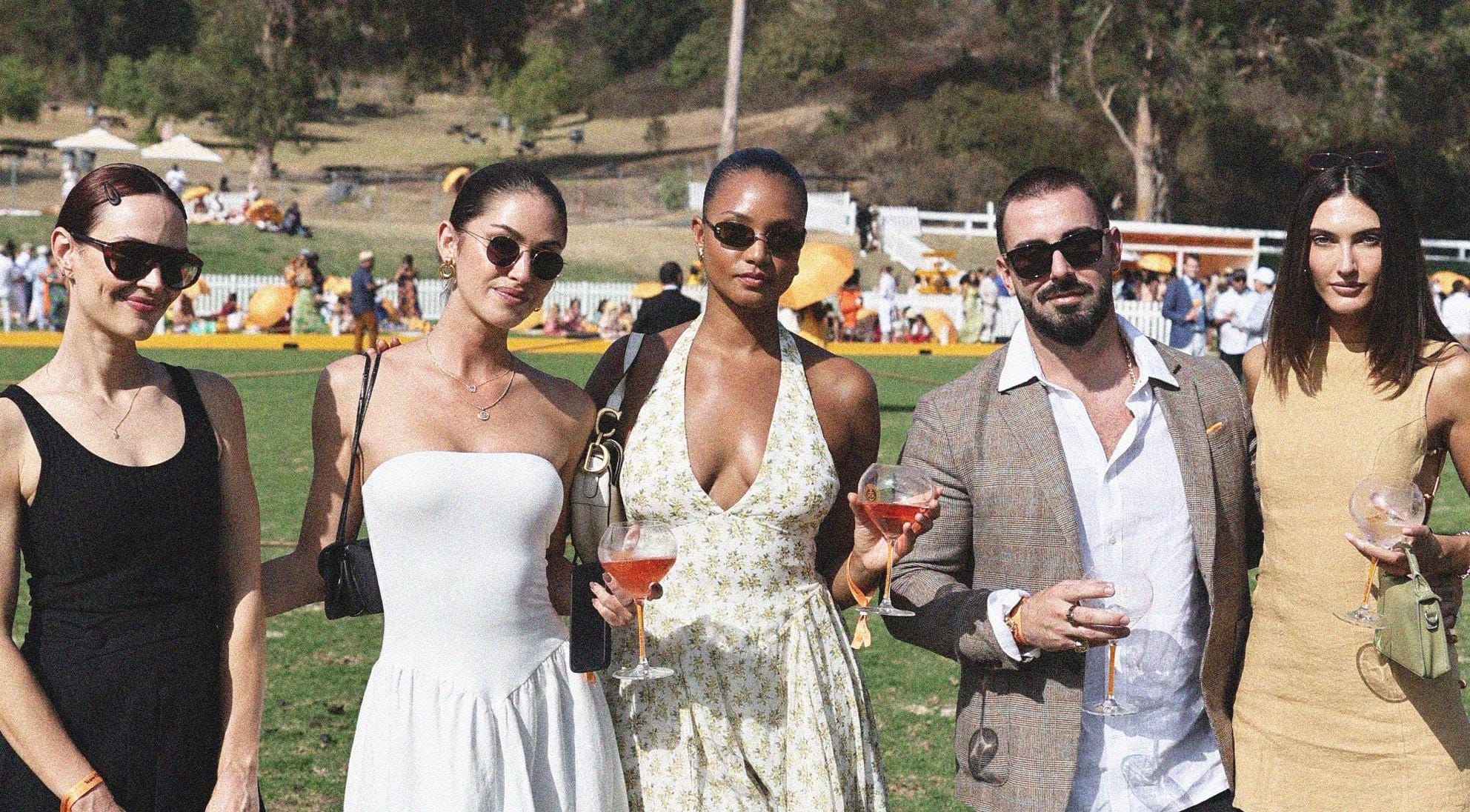
Veuve Clicquot Polo Classic
Matched event photos reached guests through a gallery link sent directly to their phone.

Send guests their event photos by SMS and WhatsApp. A personal gallery link gives them photos to save and share.
The message tells the guest their photos are ready.
The guest follows the personal link in their browser.
New matched photos appear at the same gallery link, so guests can return for more.
Matched event photos reached guests through a gallery link sent directly to their phone.
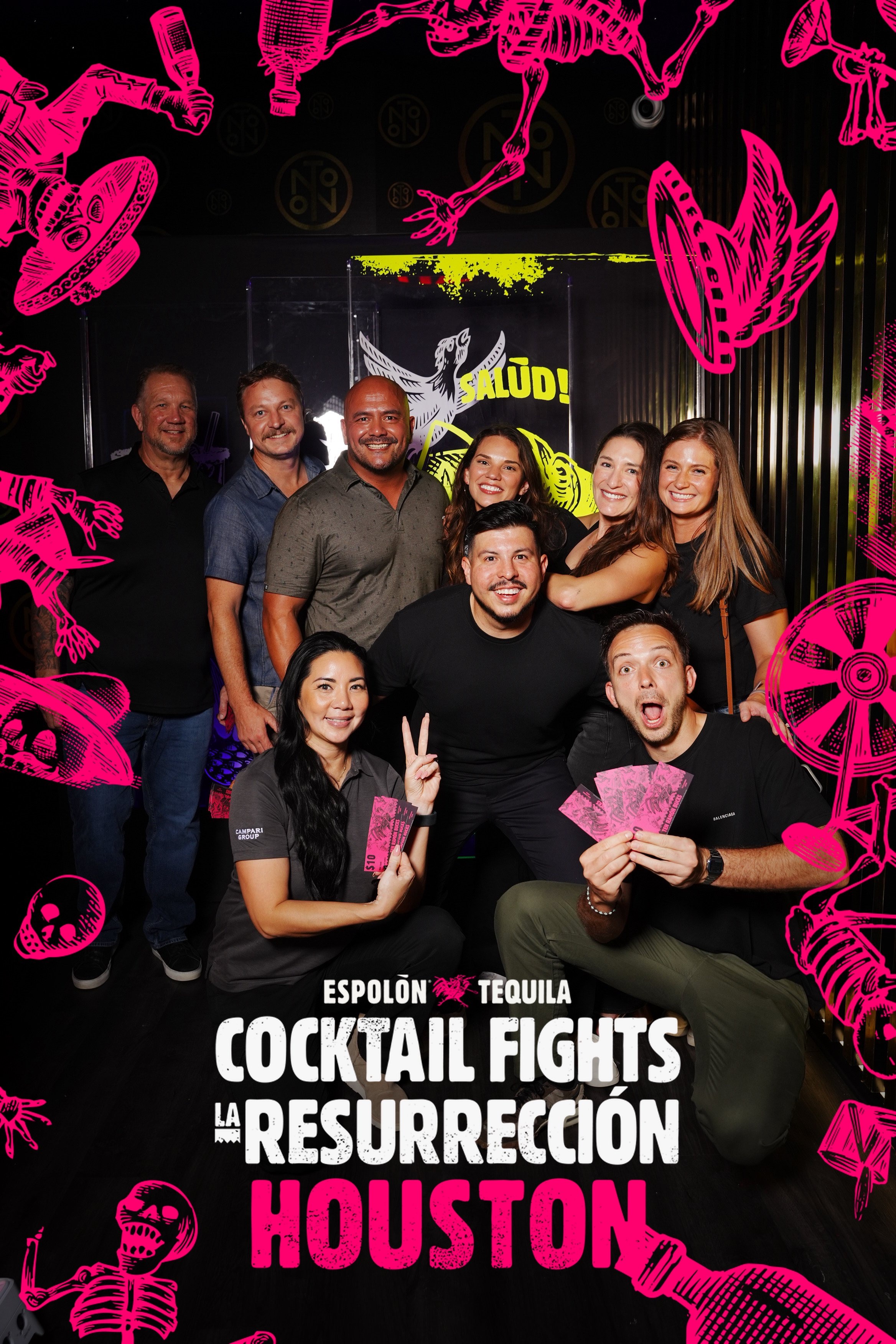
WhatsApp connected guest participation with watermarked photo delivery during the event.
No. SMS and WhatsApp connect guests to their photos, with galleries opening in the browser.
Yes. You can upload and deliver photos during the event or afterward.
Photos need to be uploaded and matched before they can be delivered. Timing also depends on event connectivity and the sending workflow.