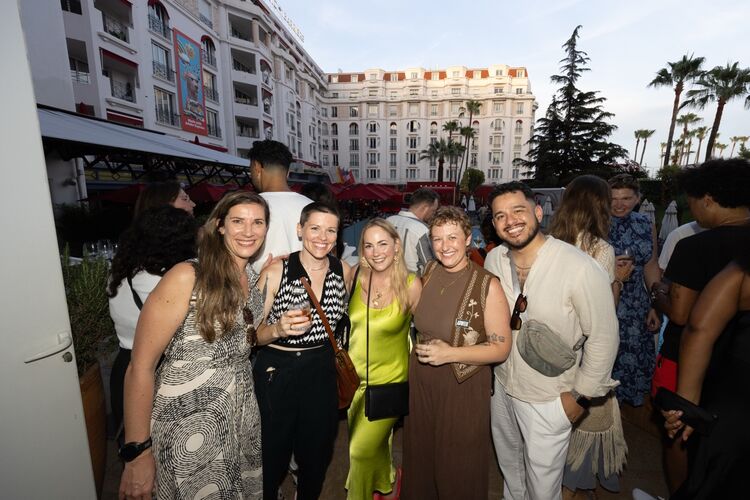
ADWEEK House at Cannes Lions
Guests received programming updates, gallery links, and follow-up messages throughout the week.

Keep guests informed before, during, and after your event. Send schedule changes, photo reminders, and follow-up messages to a selected audience.
Help guests find the venue, catch a schedule change, or return for new photos. After the event, use the same conversation for a survey or your next invitation.
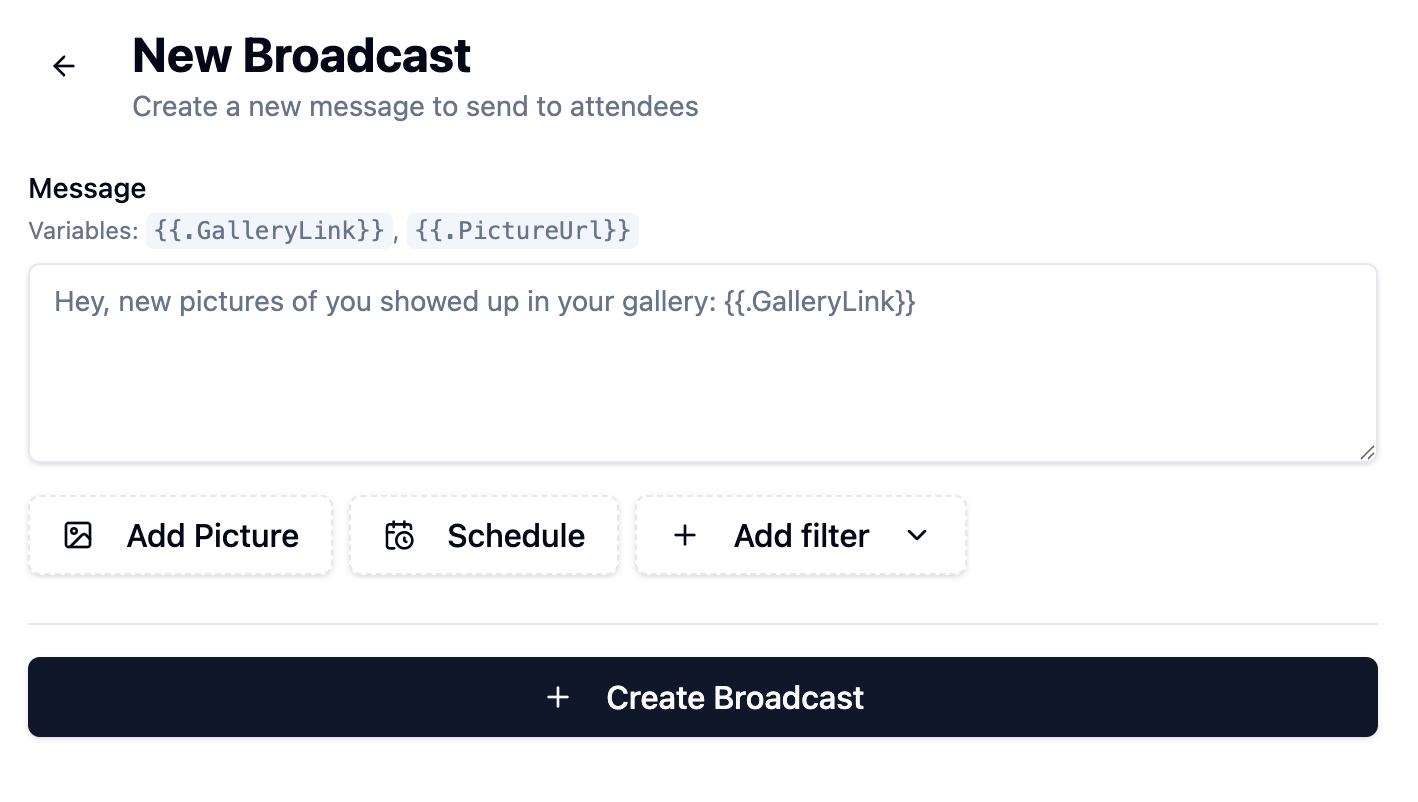
A text blast is a broadcast sent to a group of opted-in guests. Write the message once, select the audience, and send or schedule it. Gallery-link variables personalize the link for each guest.
Write an update, add a picture, and include each guest’s personal gallery link.
Use audience filters and schedule the send.
See which messages are scheduled and which sends are completed.
Guests received programming updates, gallery links, and follow-up messages throughout the week.
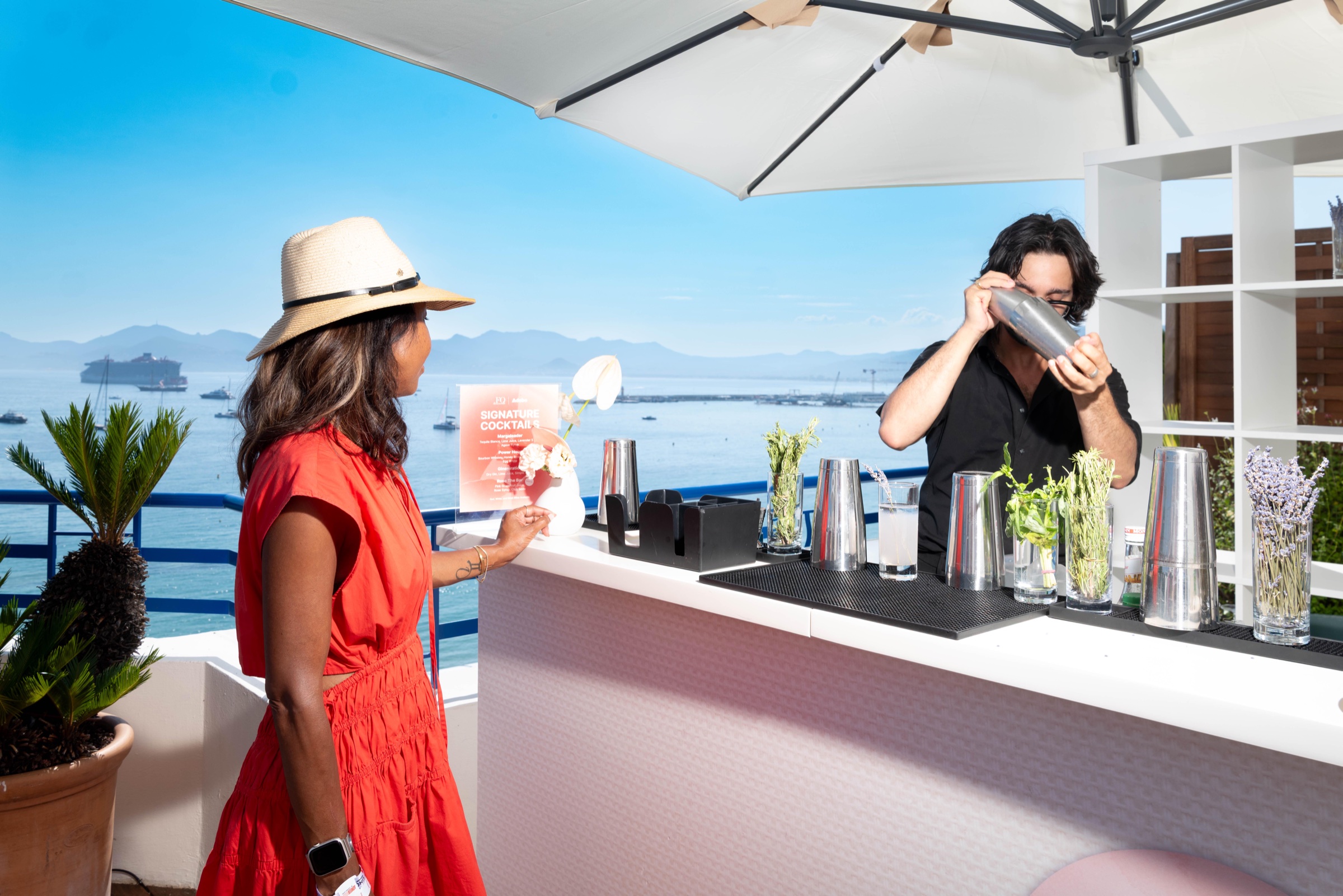
Daily messages carried speaker highlights, event updates, and photo-sharing prompts.
Yes. Choose a send time when creating the broadcast, then review it in your scheduled messages.
Yes. Insert the gallery-link or picture variable in the broadcast message.
Yes. Filter your audience to send relevant updates to guests who opted in.
A broadcast sends one update to a selected group. A guest reply is part of the individual message conversation.