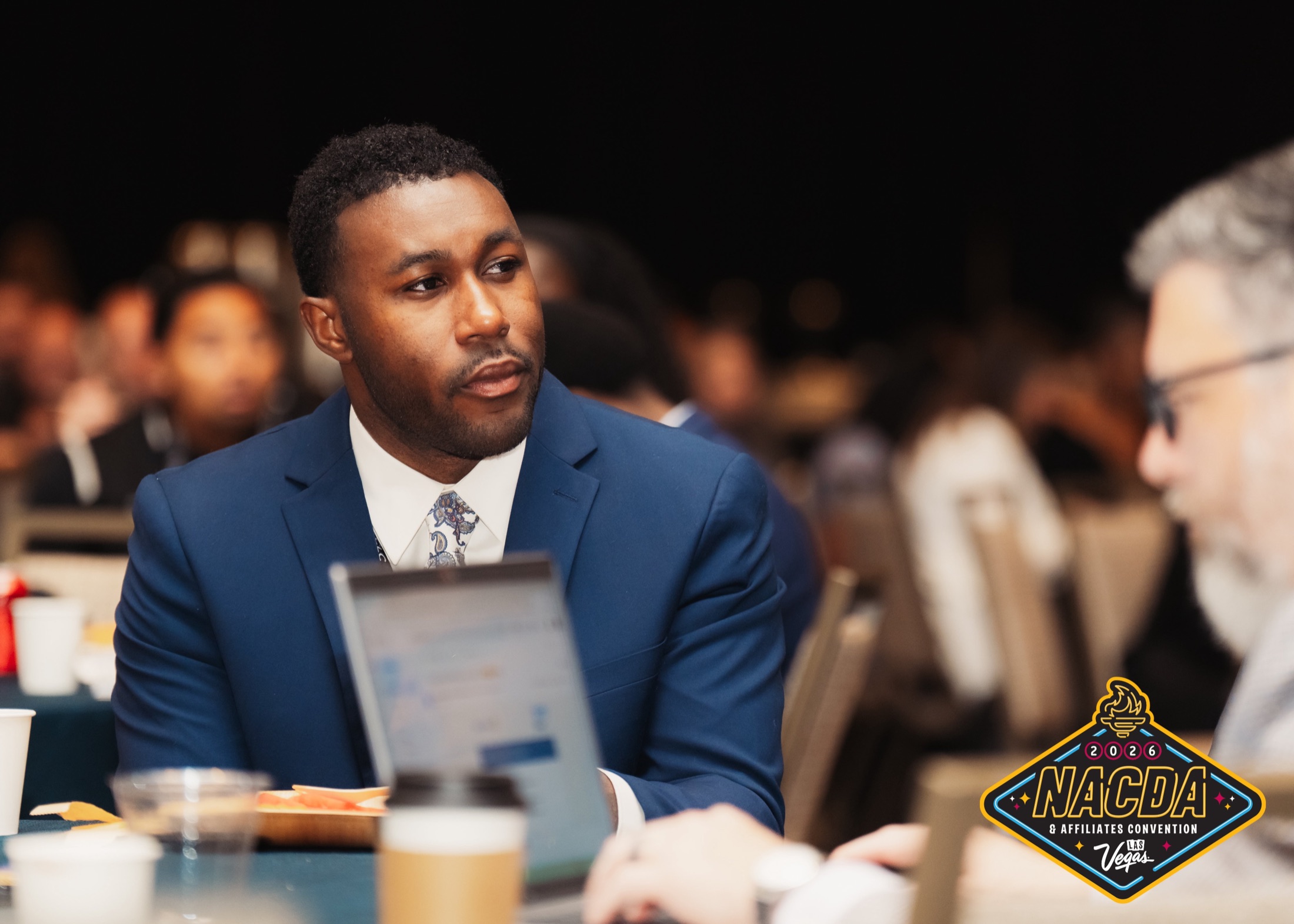
NACDA & Affiliates Convention
Attendees opted in during registration to receive convention photos and messages.
Collect photo releases, messaging opt-ins, and age confirmations during signup. Keep guest responses with their registration details.
Guests provide their contact details, an emergency contact, and a typed signature. This preview shows the fields used at Hendrick’s Anotherland.
Hendrick’s Anotherland collected guest details, an emergency contact, and a typed signature. Use your event’s approved wording and required fields.
Use the release and opt-in language approved for your event.
Guests review the release and choose their communication preferences during signup.
Review communication preferences and signup information in the guest profile.
Attendees opted in during registration to receive convention photos and messages.

Guests opted in to receive personal galleries and post-event messages.
Yes. Provide your approved release wording when setting up the event.
Yes. An age confirmation can be included in the guest flow. Plan any separate ID checks with your event team.
They serve different purposes. Define the permissions and wording separately for your event.