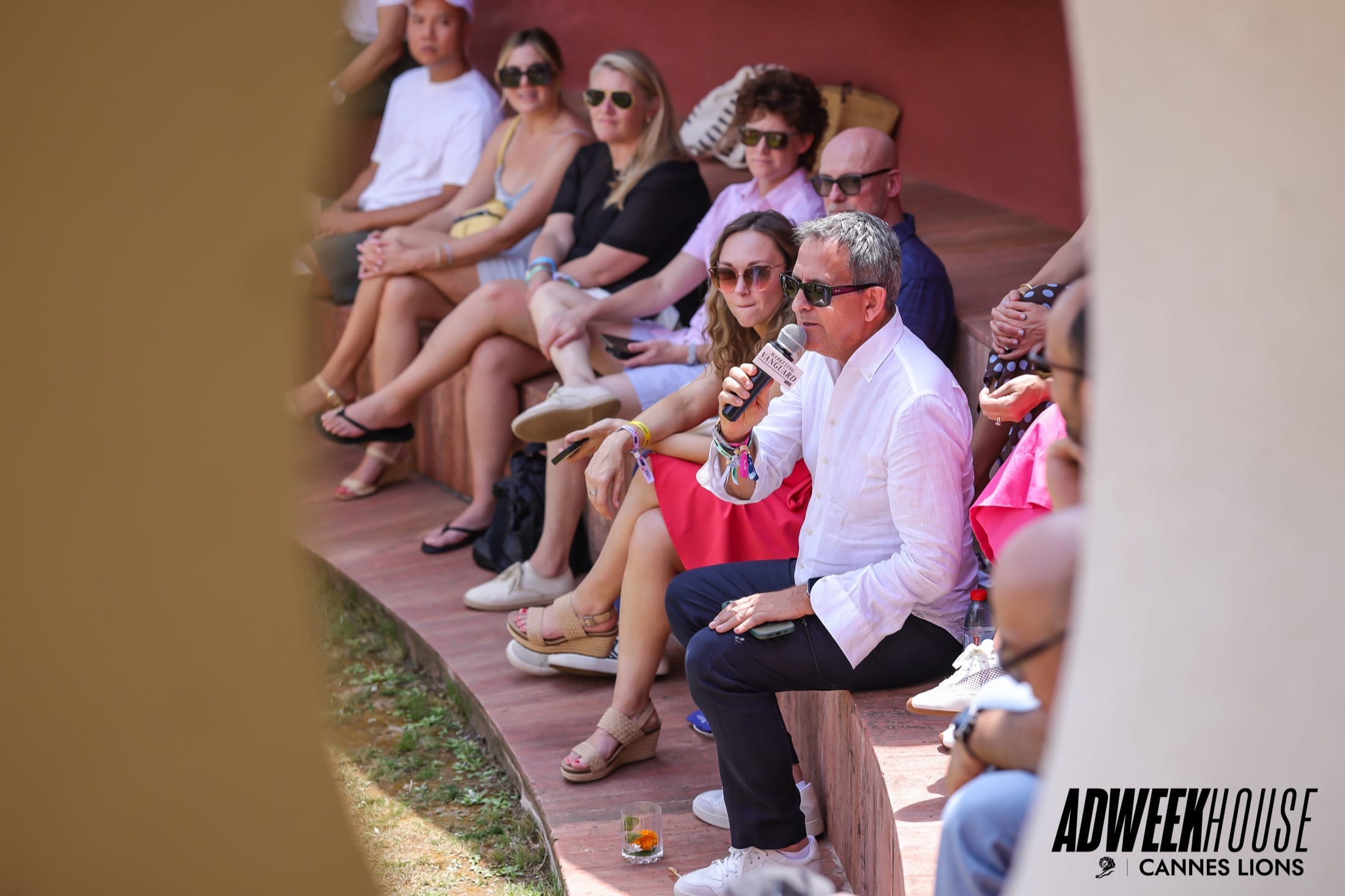
ADWEEK House at Cannes Lions
ADWEEK photo frames kept the event logo on images guests saved and shared.

Keep your event recognizable from signup to sharing. Apply your logo, gallery branding, and photo frames across the guest experience.
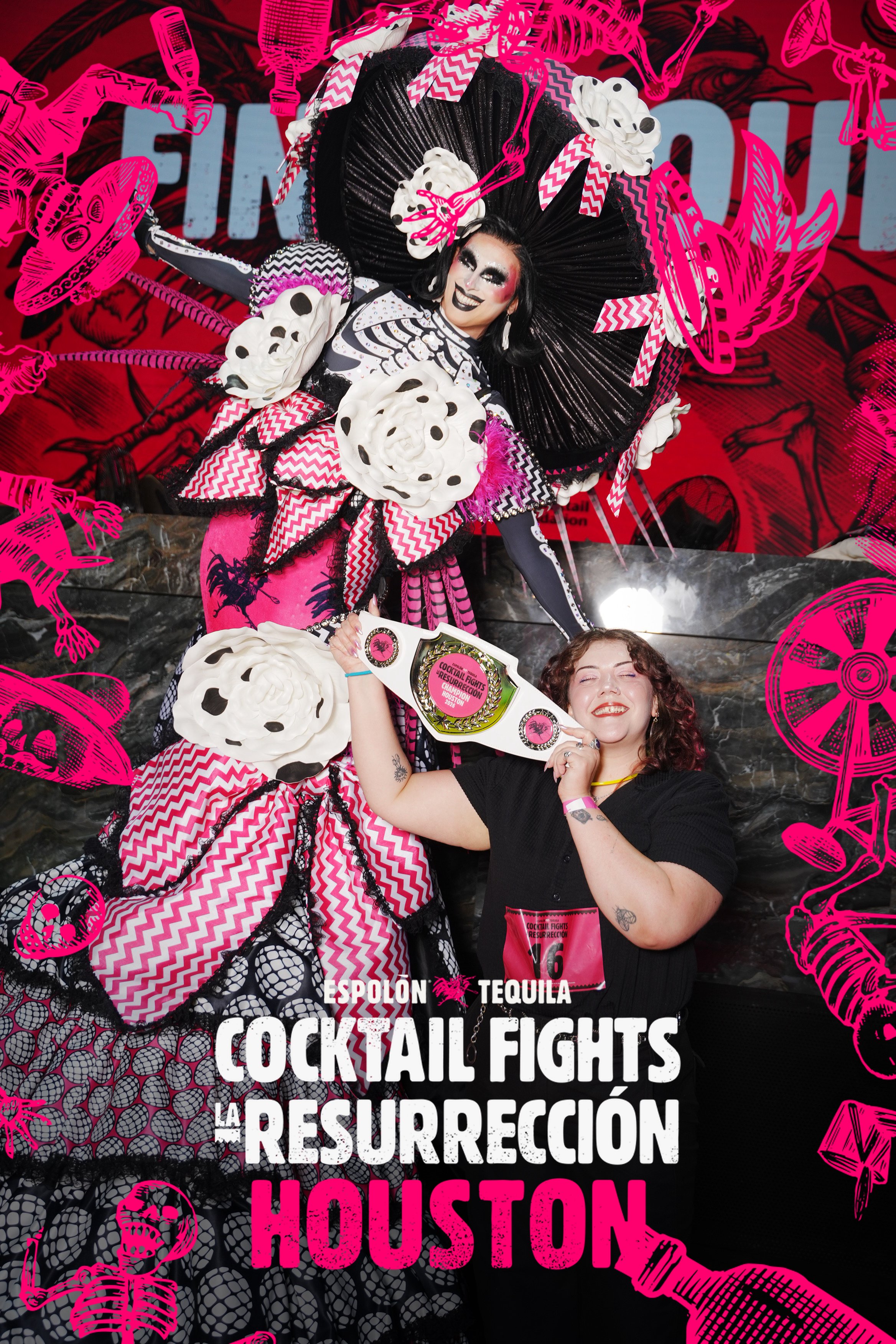
Espolòn Cocktail Fights Houston
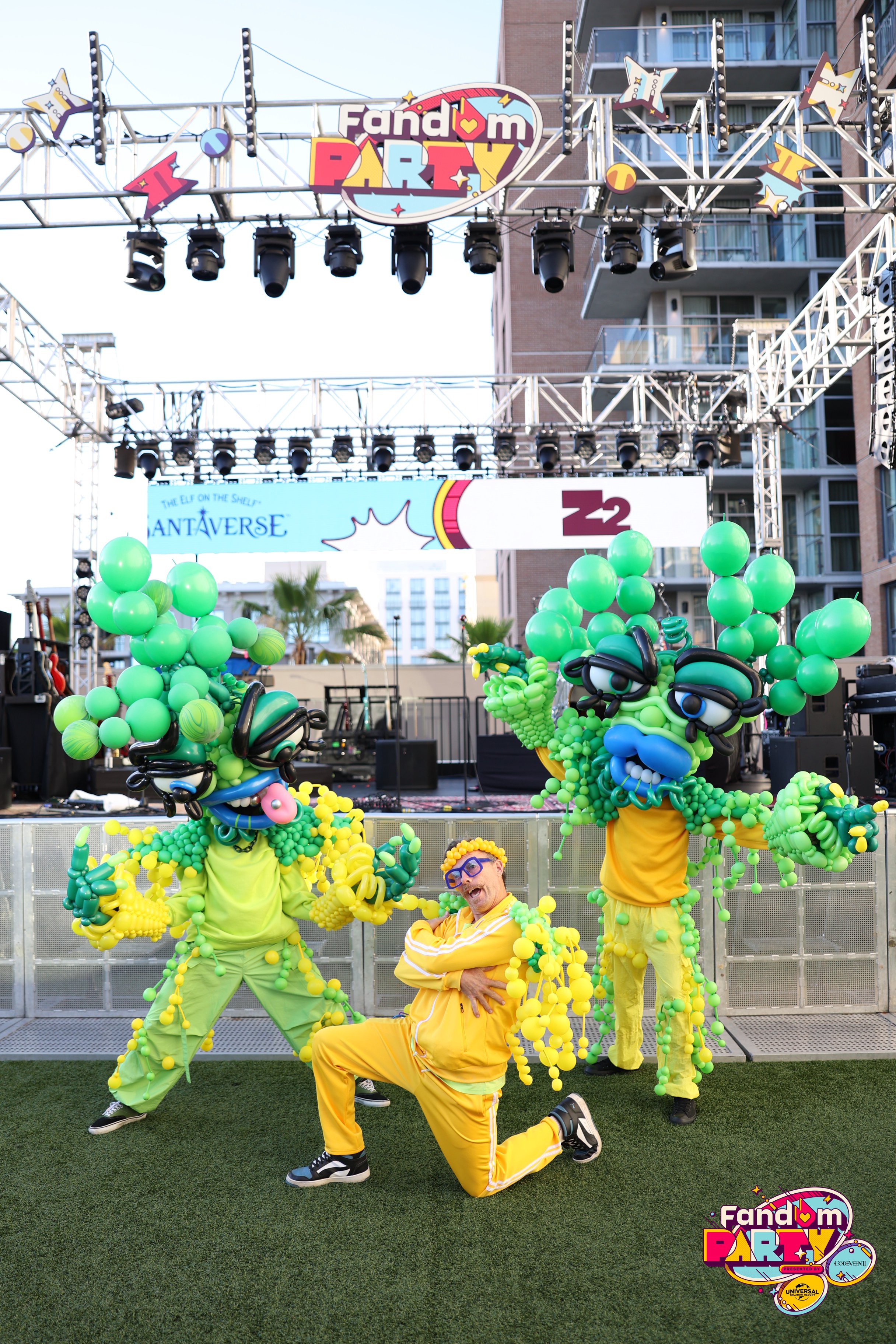
Fandom Party
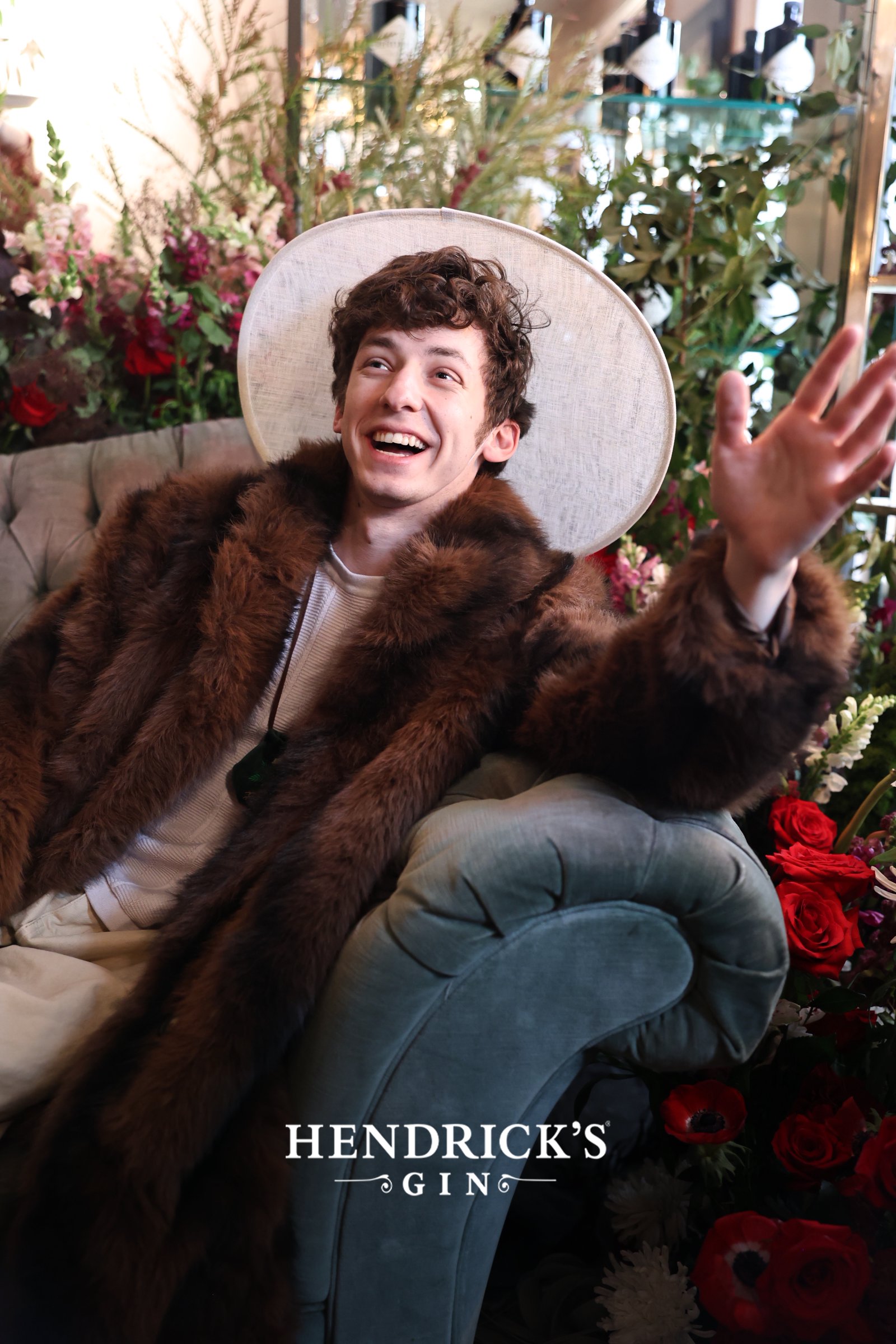
Hendrick’s Gin
Match the signup to your event with a logo, brand color, event name, and guest instructions. The examples below show these options in use.
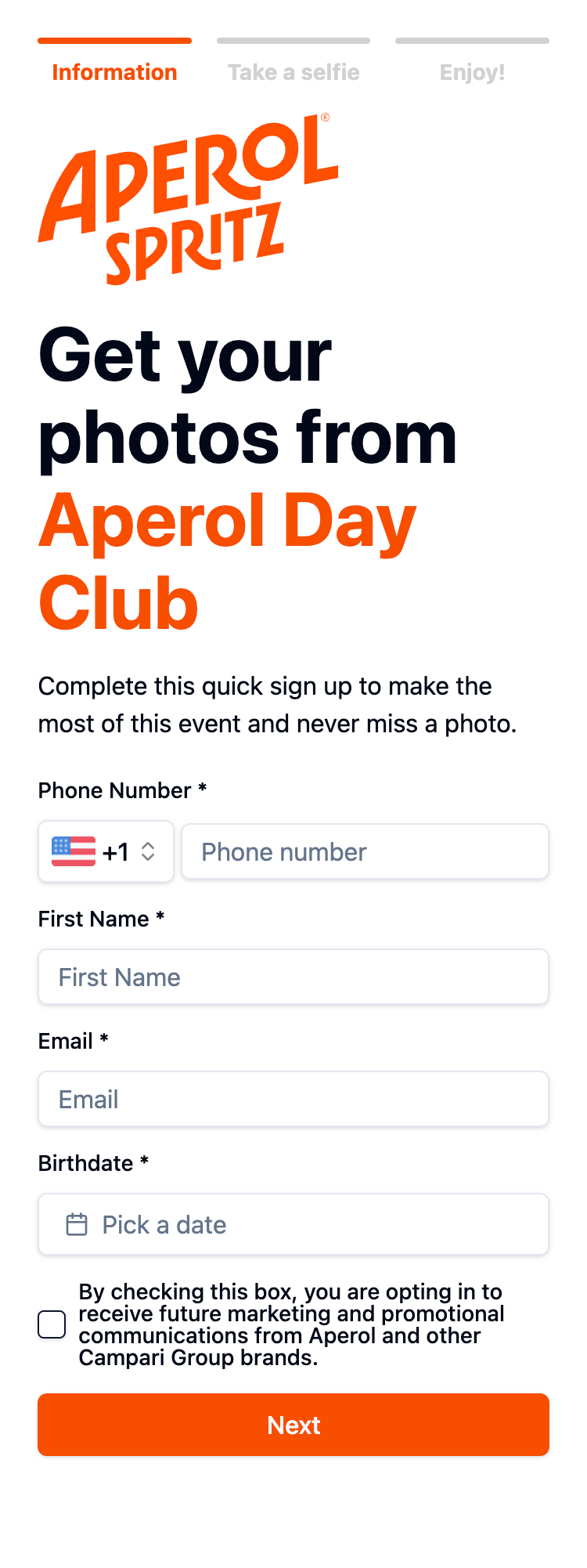
Use watermarks or branded frames so your event or sponsor remains visible when guests save and share photos. The examples above show treatments from Espolòn Cocktail Fights Houston, Fandom Party, and Hendrick’s Gin.
Your logo, brand color, event name, and instructions shape the signup. The real event screens above also show different contact fields, consent options, and delivery choices.
Provide the event logo, artwork, brand guidelines, and message copy.
Carry your branding through signup, galleries, and the photos guests receive.
Check the signup, gallery, messages, and photo treatments before the event.
ADWEEK photo frames kept the event logo on images guests saved and shared.
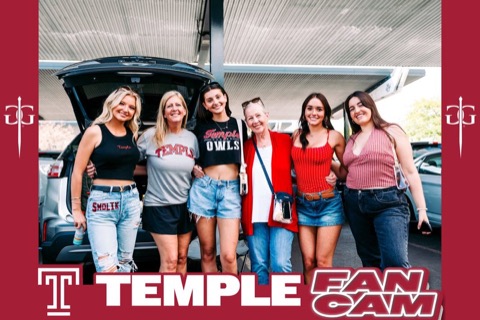
You can brand signup screens, galleries, and event photos with your logo, colors, and artwork.
Yes. Include sponsor logos in your photo frames, galleries, and event messages.
Start with logos, event artwork, brand guidelines, and approved message copy.