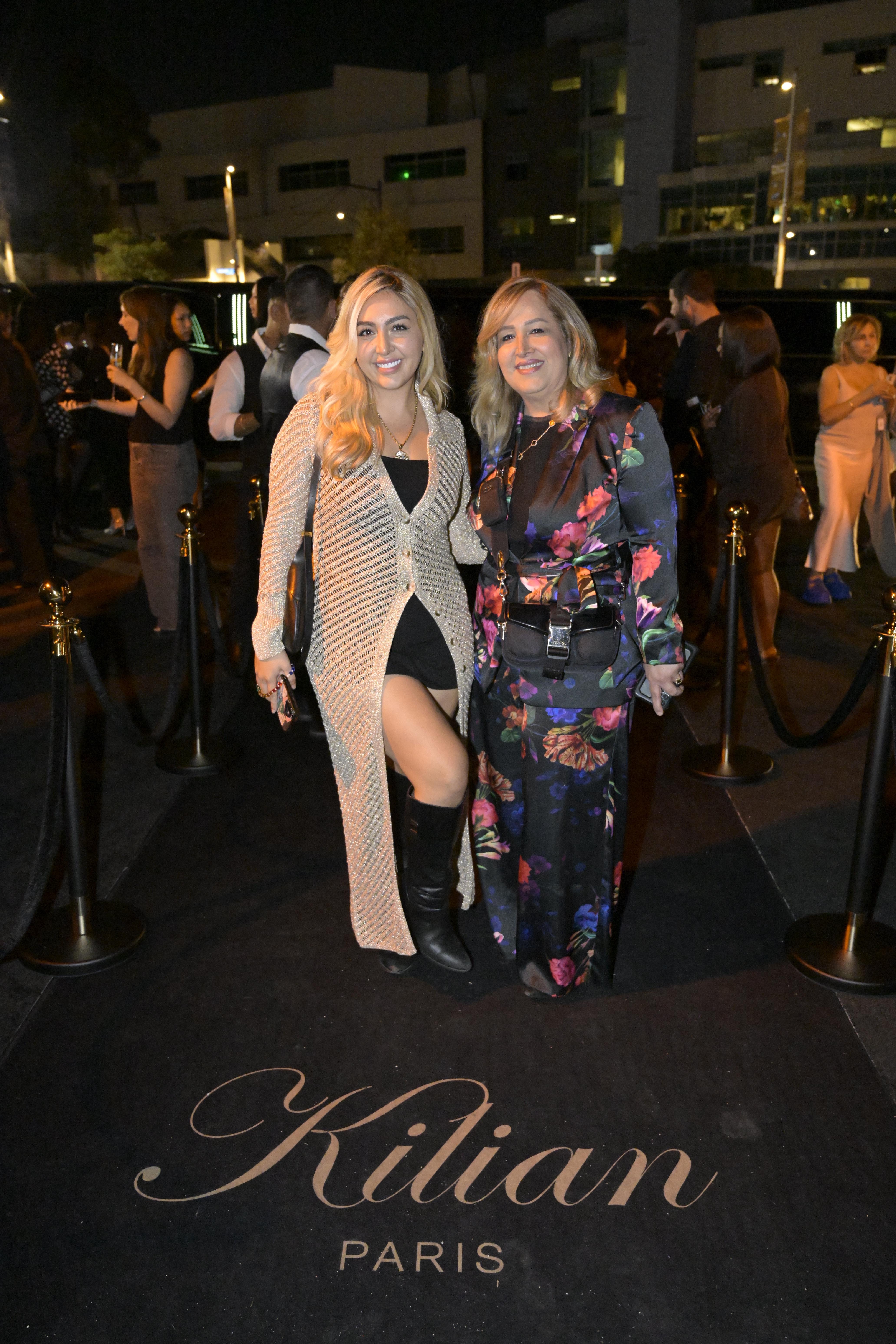
KILIAN Paris VIP Experience
VIP guests shared 18K+ moments from their private, branded galleries.

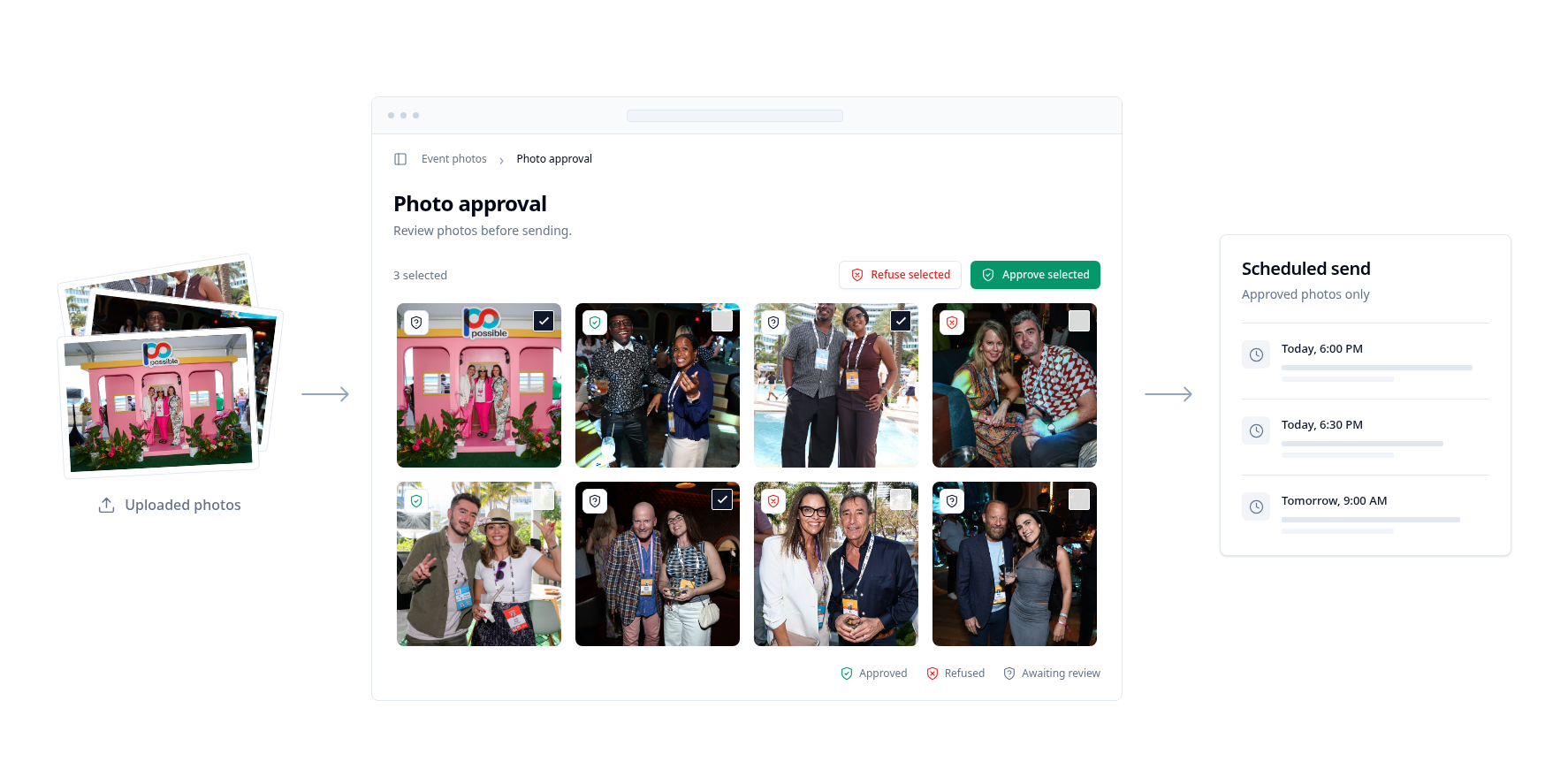
Review event photos before they reach guests. Approve the ones you want to send, and hold delivery until the time you choose.
Swipe to see the full flow →
Most events send photos instantly, as soon as Impulse matches them. For VIP or special cases, add an approval step: your team picks the shots, and guests get them the moment they’re approved.
Hold photos until a reveal, the end of a phone-free experience, or a moment that fits your schedule. Guests still get every approved photo in their gallery.
Uploaded photos wait in the approval queue instead of going straight to guests.
Review each photo and approve the ones you want guests to receive.
Deliver approved photos right away, or use delayed send to deliver them at a set time.
VIP guests shared 18K+ moments from their private, branded galleries.
No. By default, guests get their photos instantly. Turn on approval only for the events that need a review.
Yes. Delayed send holds approved photos and delivers them at the time you choose.
Yes. Guests sign up on arrival, and approved photos arrive after the experience ends.