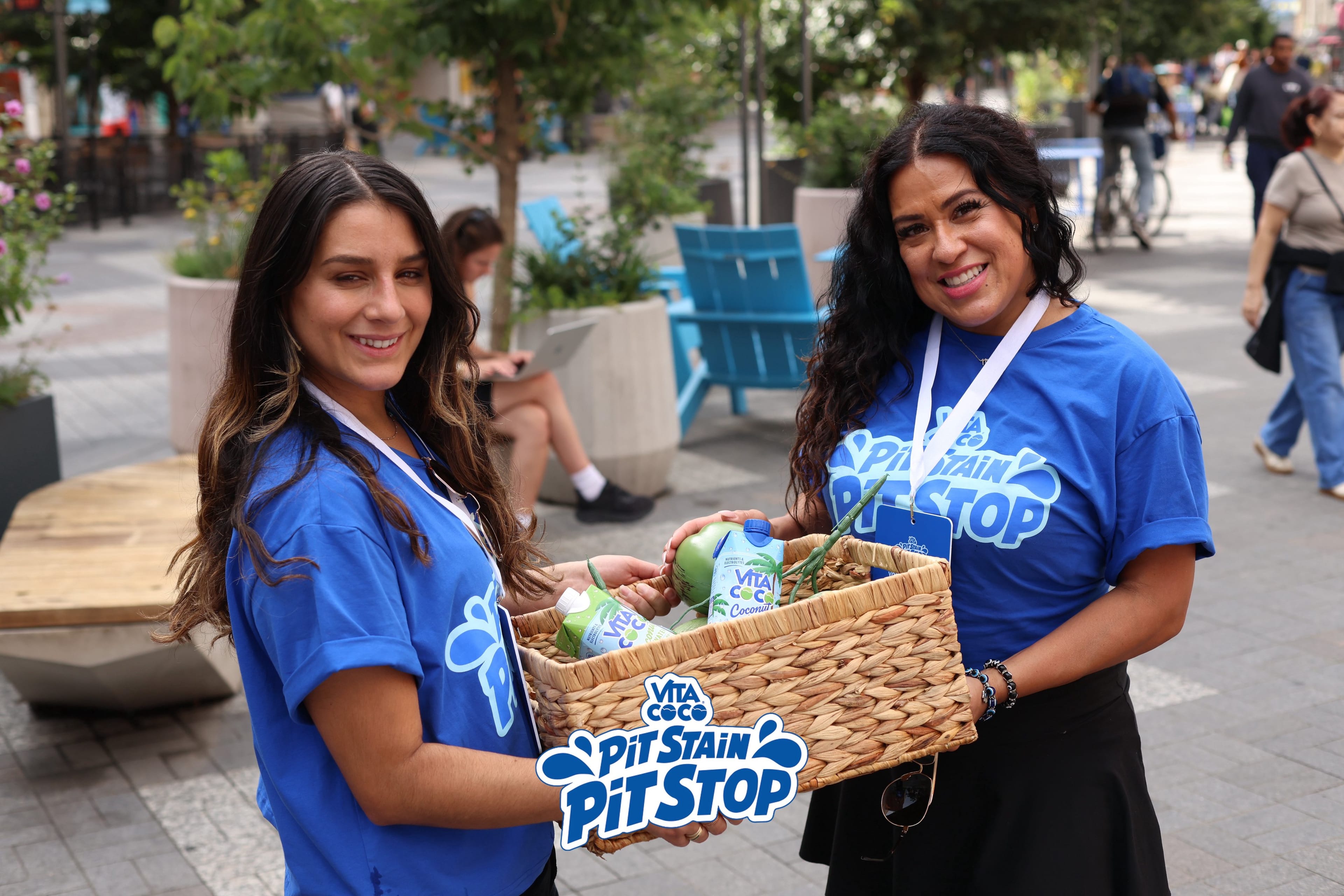
Vita Coco Hydration Tour
Brand ambassadors moved guests from sampling to signup in 5 cities, building 450+ reachable CRM profiles.

Your event staff photograph guests and sign them up on the spot. Guests can also scan a QR code and sign up on their own.
Ambassadors take a photo of 1 or more guests, collect their phone numbers, and submit the signup. Guests then receive their event photos.
The app is for your brand ambassadors and event crew, not for managing ambassador programs. Use it where guests don’t want to scan a code, where phones are discouraged, or where you want a staffed photo moment.
Place QR codes at the entry, sampling counters, and photo stations. Guests scan, sign up with a phone number and a selfie, and get their photos without waiting for staff. It also works at pop-ups and walk-in activations that have no registration.
See how event signups workAmbassadors sign in to the app and enter your event code before the doors open.
Take a photo of 1 or more guests, then enter each guest’s phone number.
Submit the signup. Each guest receives their event photo by text and joins your guest list.
| Compared | Paper sign-up sheet | Brand Ambassador app |
|---|---|---|
| Guest effort | Write a name and email by hand | Say or type a phone number |
| Groups | One guest at a time | One photo of several guests, with all their numbers |
| Data quality | Handwriting to read and type in | Numbers entered on the device, ready for your CRM |
| What guests get | Nothing right away | Their event photo by text |
| Follow-up | An email weeks later, if at all | The same text thread for updates and offers |
Brand ambassadors moved guests from sampling to signup in 5 cities, building 450+ reachable CRM profiles.
A brand ambassador app is a tool event staff use on site to engage guests. The Impulse Brand Ambassador app lets staff photograph guests and sign them up with a phone number, so each guest gets their event photo by text.
Ambassadors install it on an iPhone. Some events provide iPads at the venue.
Yes. Photos upload over Wi-Fi or mobile data, so confirm connectivity at the venue before the event.
Your brand ambassadors and event staff. Guests never need to download anything.
Yes. Photograph 1 or more guests and collect each phone number in the same flow.
Yes. Put QR codes where guests stop. They scan and sign up in their mobile browser.
Confirm devices, connectivity, QR signage, and who handles guest questions. The Brand Ambassador guide walks through setup.