
Genesis Invitational
Genesis signed up 4,000+ registrants through separate VIP and general signup flows at its 2026 tournament.

Give guests a reason to sign up, even at pop-ups and open events with no registration. Your branded mobile form collects contact details and a selfie for photo matching.
5 real signup screens. Swipe or use the arrows.
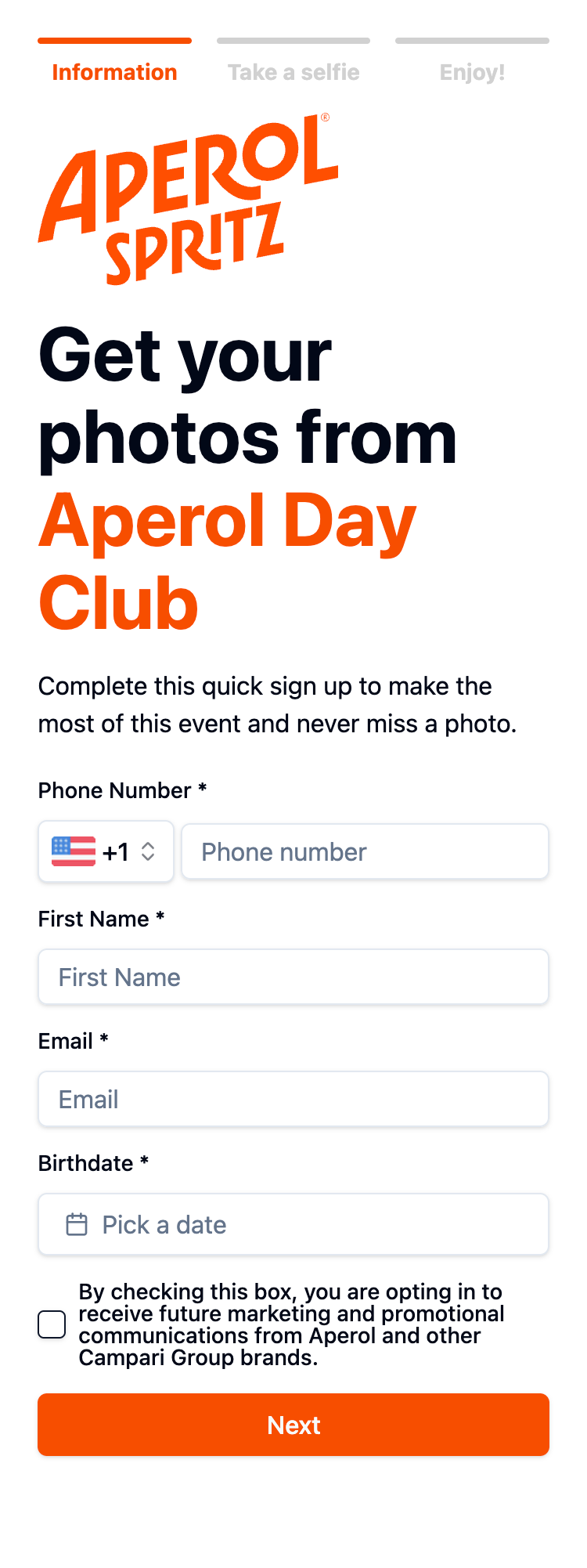
Aperol
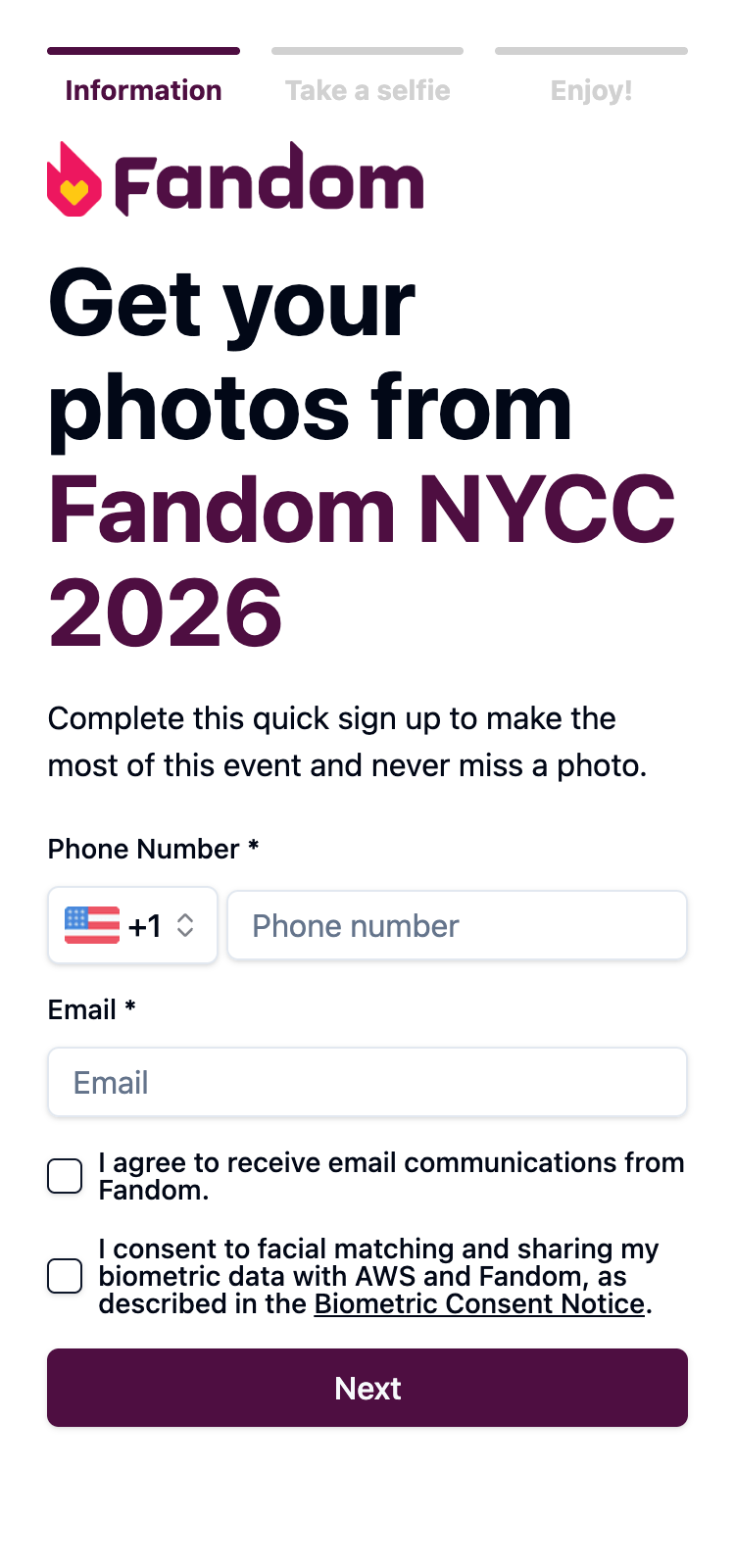
Fandom
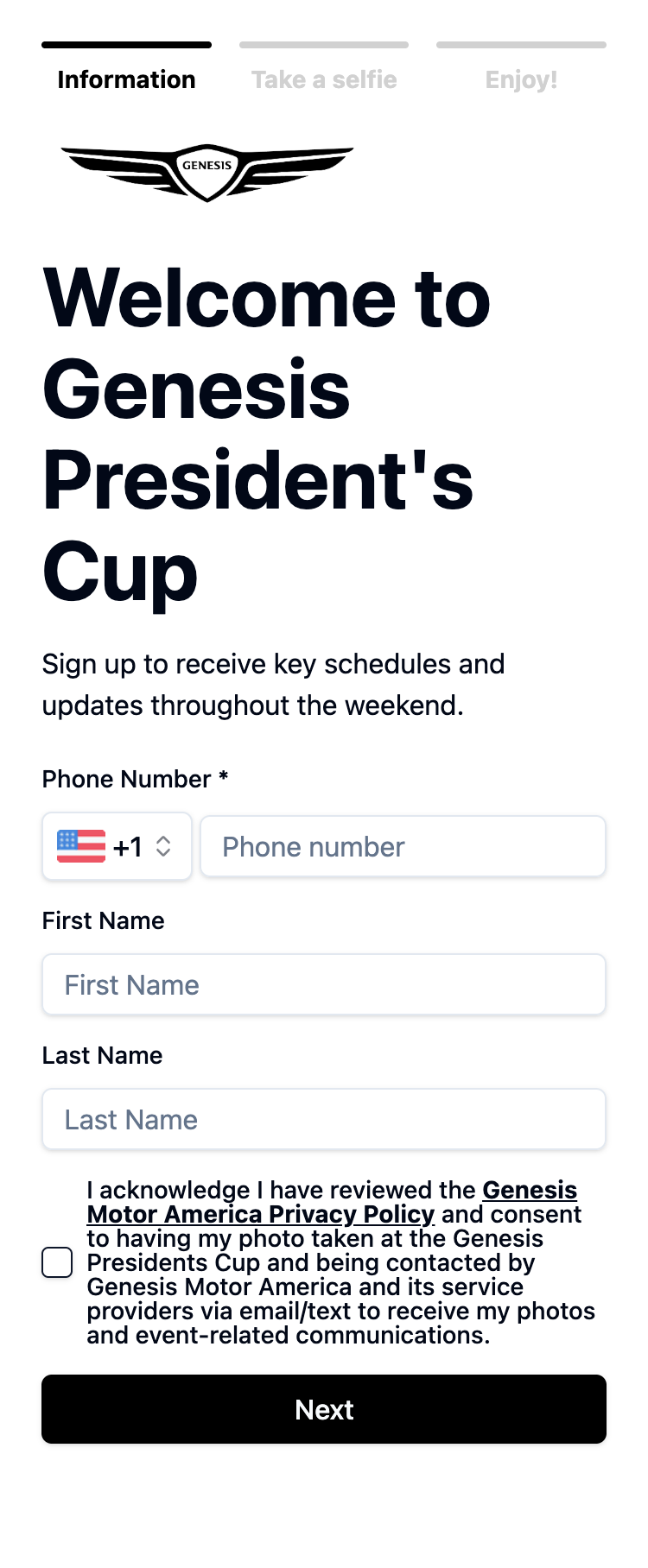
Genesis
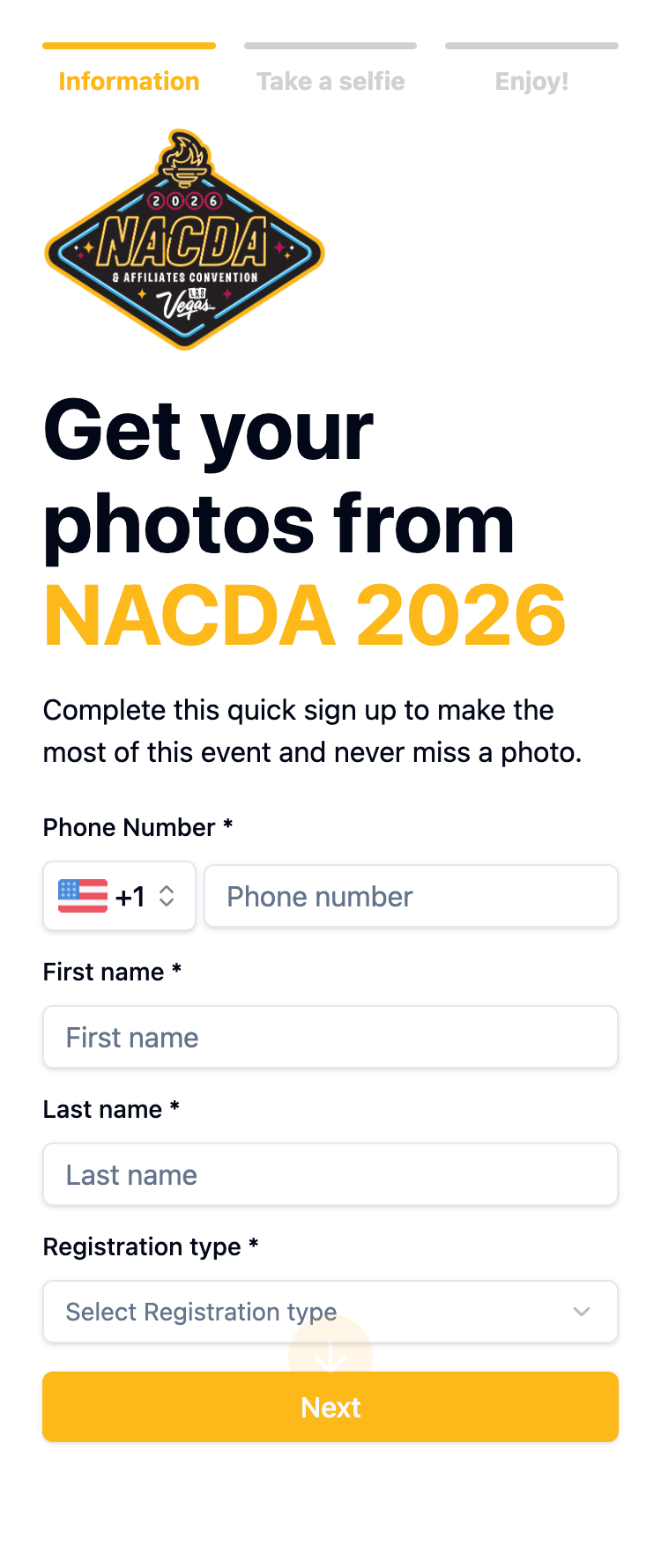
NACDA
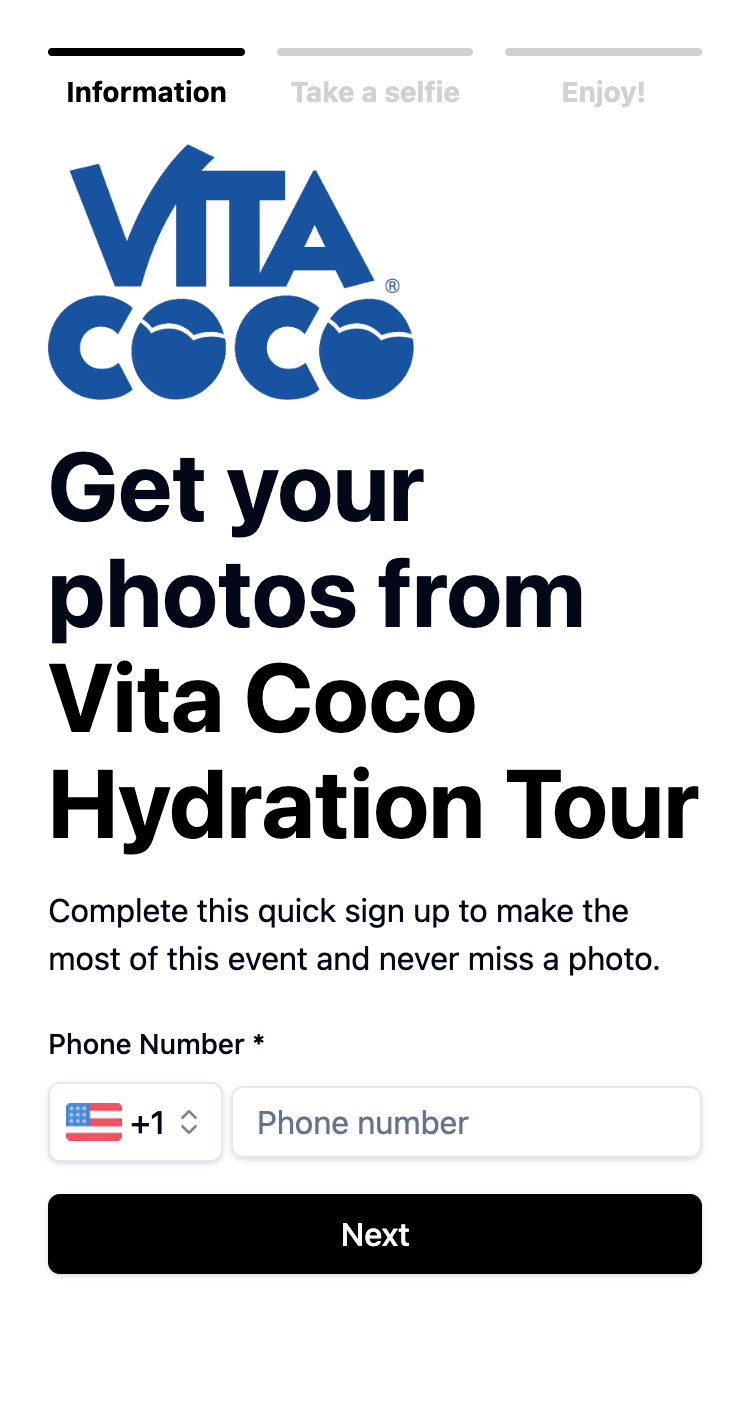
Vita Coco
Pop-ups, sampling tours, festival booths, and walk-in brand activations rarely have registration. Guests come and go, and the brand leaves with a headcount instead of contacts.
Impulse puts a QR code at your activation. Guests sign up on the spot to get their event photos, so you collect first-party data at events that never had registration.
Guests scan your QR code or open the event link. No app download is needed.
Start with a phone number. Add fields such as email or ZIP code when your event needs them.
The selfie gives Impulse a reference for finding the guest in event photos.
| Compared | Generic registration form | Impulse event signup |
|---|---|---|
| Pop-ups and walk-in events | Usually no registration, so no guest data | Guests sign up on the spot to get their photos |
| Why guests sign up | To get in, then they forget about it | To get their event photos, delivered by text |
| Where it happens | Before the event, often on a laptop | At the event, on their phone, by QR code |
| What you collect | Name and email | Phone, email, your custom fields, consent, and a selfie |
| Branding | The form tool’s look | Your logo, colors, and copy |
| After the event | A list to export | A text thread, photo engagement, and CRM sync |
Genesis signed up 4,000+ registrants through separate VIP and general signup flows at its 2026 tournament.
Event signup software collects guest details for an event. Impulse runs the signup on guests’ phones, usually by QR code, and gives guests their event photos in return, so you capture contacts at the event itself.
Give guests a reason to sign up on the spot. At pop-ups and walk-in activations, Impulse shows a QR code, and guests sign up to get their event photos. You get their contact details and consent.
Those tools handle registration before the event. Impulse captures guests at the event, matches them to their photos, and keeps a text thread open for follow-up. Many events use both.
No. Guests enter a phone number and the fields you choose. There is no password and no app to download.
No. The signup form opens in their mobile browser.
Yes. Plan fields such as name, email, ZIP code, interests, and consent around your event goals.
Yes. Share the signup link beforehand or use QR codes at the venue.