
Female Quotient at Cannes Lions
3,000+ guests signed up at the Female Quotient lounge, each with a profile and a personal gallery.

Every signup lands on one guest list. Search guests, filter by tags, review profiles and consent, and export the list as CSV.
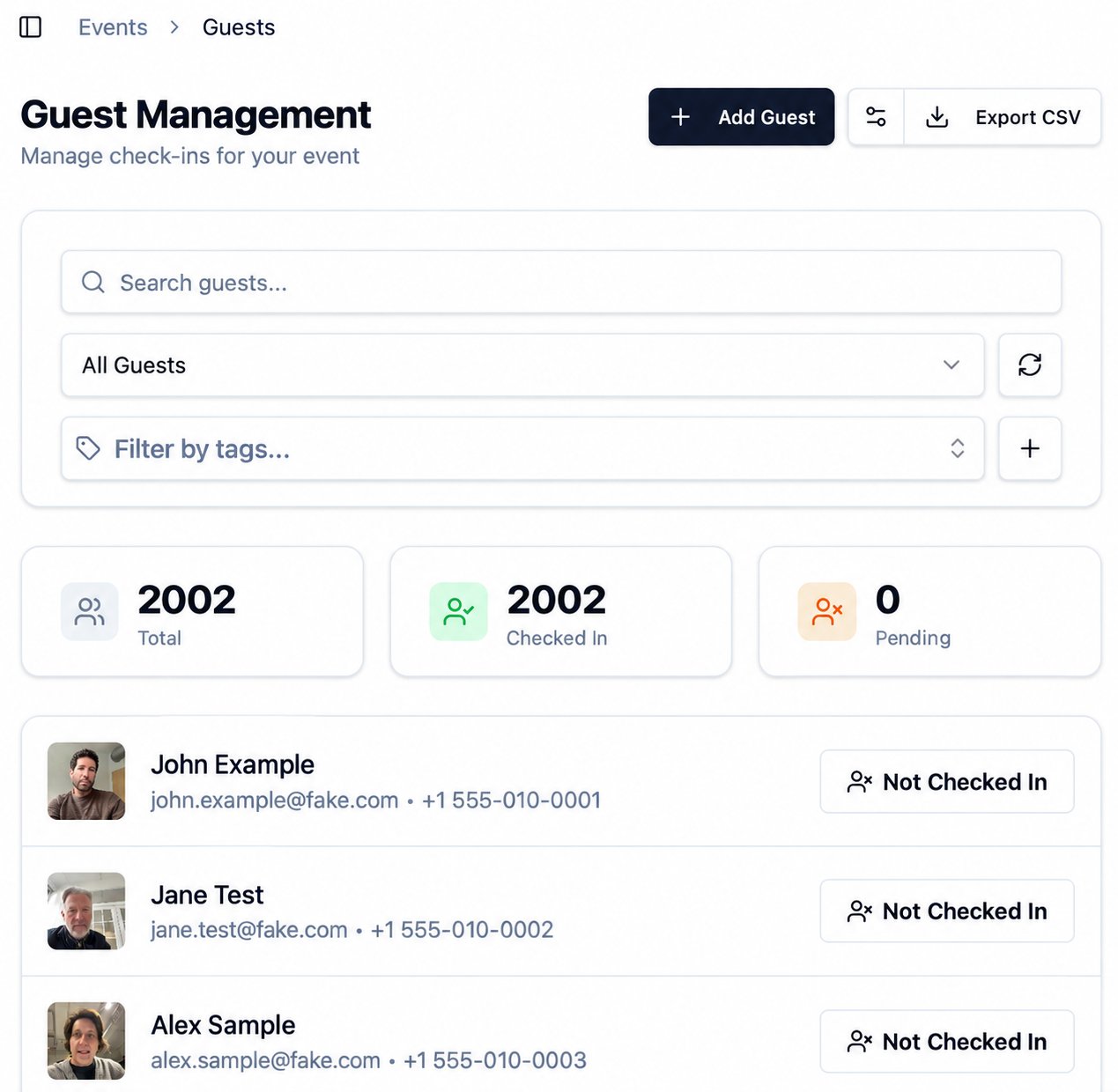
Search the list or filter by tags.
Open a guest to see contact details, consent, registration answers, check-in status, and their gallery.
Choose and order your columns, then export the guest list as CSV for your CRM.
3,000+ guests signed up at the Female Quotient lounge, each with a profile and a personal gallery.
Yes. Search guests and filter by tags from the Guest Management dashboard.
Contact details, communication preferences, registration fields, check-in status, and access to the guest’s gallery.
Yes. Download your guest list as CSV from Guest Management.
Yes. Check-in status lives on each guest. For door check-in with QR codes, use event check-in.