
Event Technology for Experiential Agencies
Give your client’s guests their photos by text, and give your client the contacts and numbers. Impulse works with the photographers you already hire, carries the client’s branding, and sets up again for the next activation.
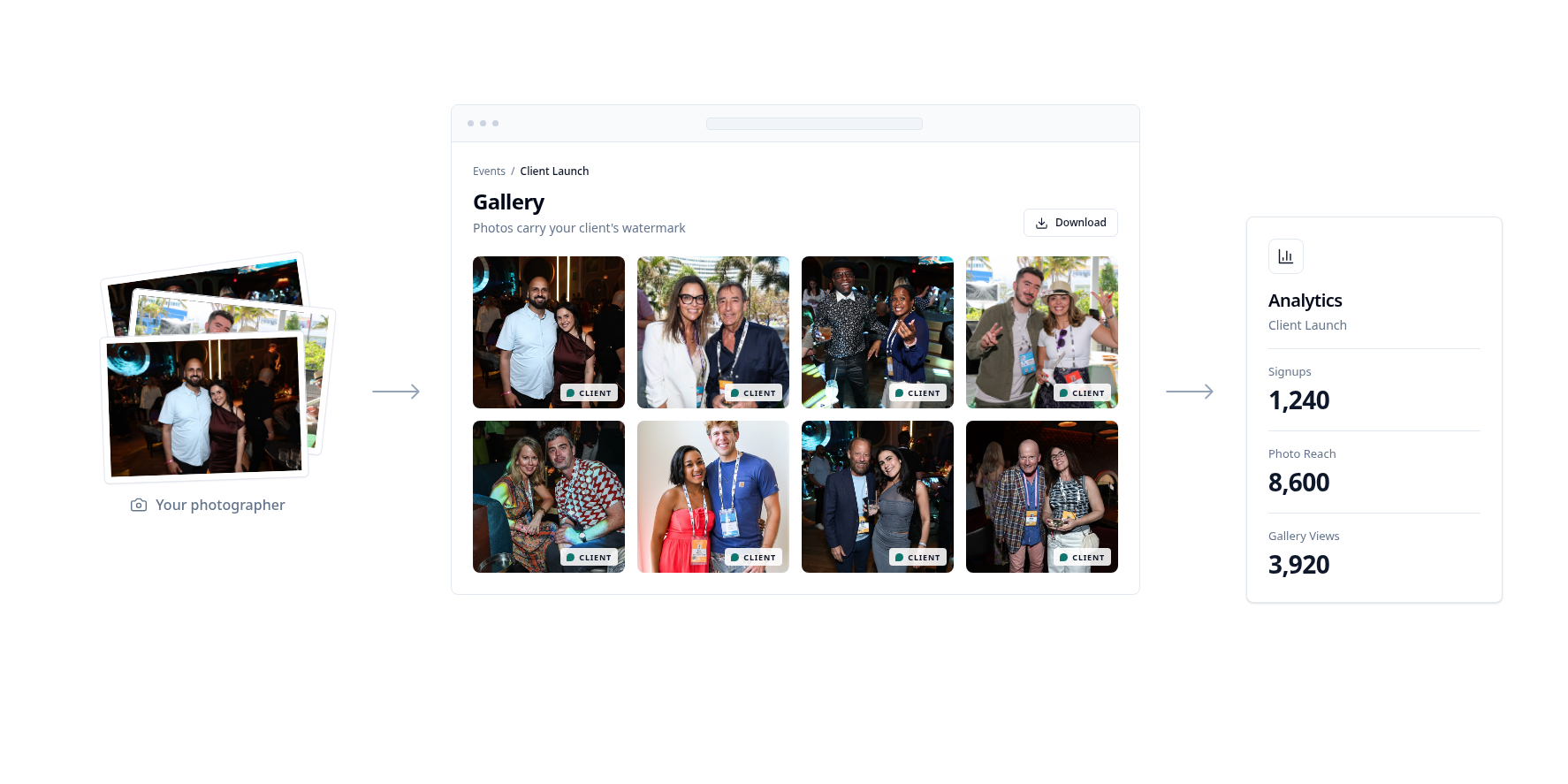
Swipe to see the full flow →
Agencies We Work With












Agency partner: Gradient Experience
“After every activation, our clients ask what they got out of it. With Impulse, guests get their photos in seconds, and our clients leave with opted-in contacts and numbers they can share the next morning.”
Pauline Oudin
CEO, Gradient Experience, the New York experiential agency. gradientexperience.com
Why Agencies Run Activations on Impulse
Your crew keeps its cameras
Photographers connect Canon, Nikon, or Sony cameras to the Impulse Photographer app and upload as they shoot. On spotty venue Wi-Fi, upload afterward by SFTP, web, or Dropbox.
Branded for each client
Every event carries your client’s logo, colors, signup copy, and photo frames, with sponsor logos where the brief calls for them.
Consent and approval built in
Add the client’s release and opt-in wording to the signup. For VIP or special cases, turn on photo approval so the client picks the shots.
Numbers you can hand the client
The dashboard shows daily signups, photo views and downloads, and messages. Opted-in contacts sync to the client’s CRM.
How Does an Agency Activation Work?
Step 1
Set up the event
Share the client’s branding, signup fields, and consent wording. Impulse builds the signup page and photo gallery.
Step 2
Run the activation
Guests scan a QR code or sign up with your brand ambassadors. Your photographers shoot, and guests get their photos by SMS or WhatsApp within 60 seconds.
Step 3
Deliver the recap
Opted-in contacts sync to the client’s CRM. Pull signups and photo engagement from the dashboard for the recap.
Results From Real Activations
Tournaments, conventions, sampling tours, and festival houses ran guest photos and messaging on Impulse.
- Genesis Invitational 2026 4,000+ registrants and 44,000+ messages sent
- NACDA26 convention Branded photos and SMS updates for 1,400+ participants
- Vita Coco Hydration Tour 450+ reachable CRM profiles across 5 cities
- ADWEEK House at Cannes Lions Six days of photos, schedule updates, and follow-ups by text
Experiential Agency FAQ
Can our own photographers use Impulse?
Yes. Photographers keep their cameras and connect them to the Impulse Photographer app, or use Canon Content Transfer Professional or Nikon NX MobileAir. Setup guides cover each camera.
What if the venue has no reliable internet?
Upload photos after the session from an SD card by SFTP, the web uploader, the Mac app, Google Drive, or Dropbox. Guests still get their photos by text.
Can we brand Impulse for each client?
Yes. Each event has its own logo, colors, signup copy, photo frames, and gallery branding.
Can the client approve photos before guests see them?
Yes. With photo approval, photos wait in a queue until they are approved. Delayed send holds delivery until a time you choose.
How does the client get the contacts?
Impulse syncs opted-in contacts to the client’s HubSpot, Salesforce, or Microsoft Dynamics 365, with consent status and signup answers. You can also export the guest list as CSV.
Do guests need to download an app?
No app required. Guests sign up on a web page and open their gallery from a text message link.
Setting up cameras? Start with the camera to phone hardware guide. Replacing a booth for a client? See the photo booth alternative for brand events.
Bring Impulse to Your Next Client Activation
See the signup, photo delivery, and event dashboard on a 30-minute demo.