
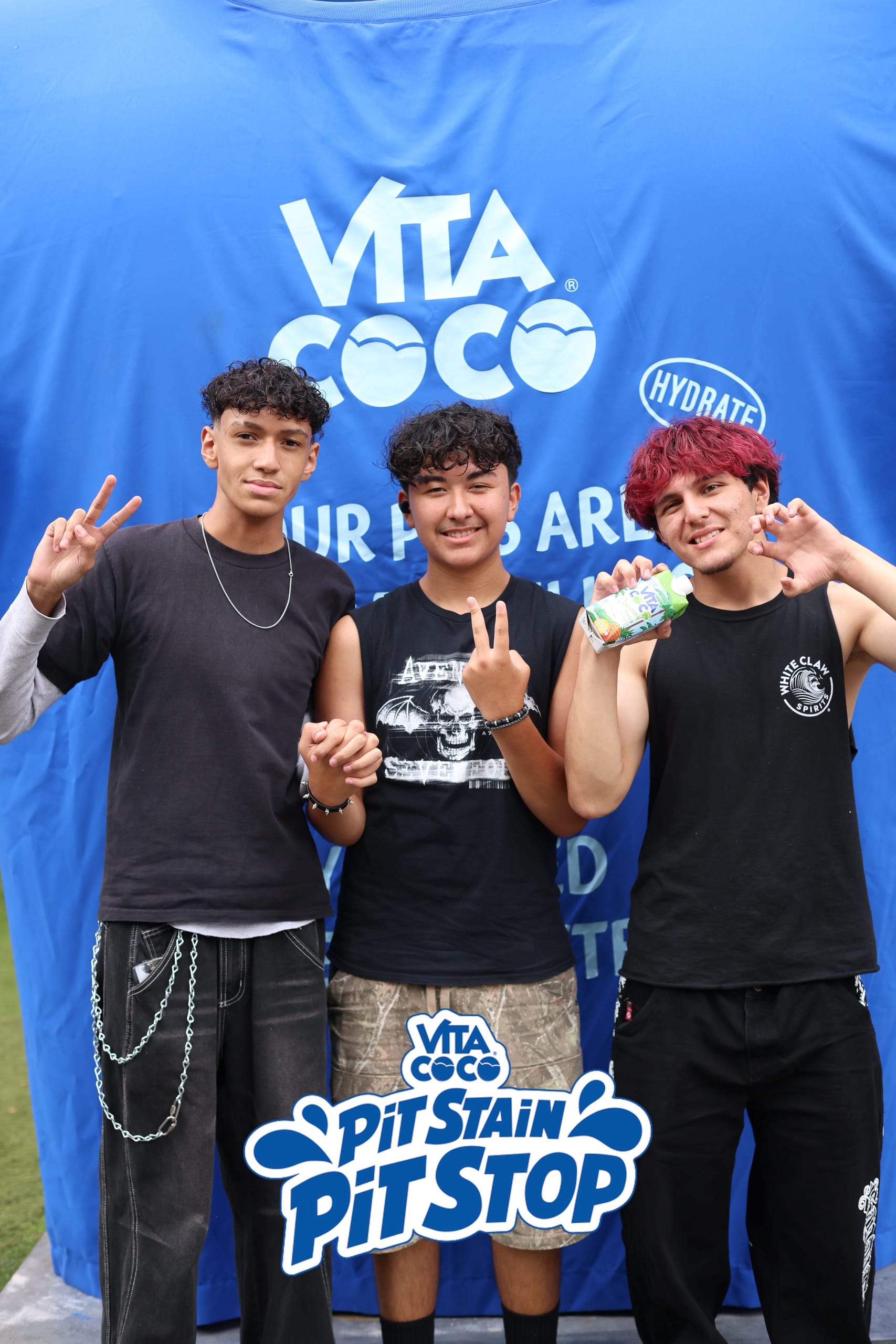

Espolòn Cocktail Fights
Event photographers captured 700+ photos, and guests got theirs in a watermarked gallery during the event.

Your photographers keep their cameras. Photos upload to Impulse as they shoot, or afterward by SFTP, web, or cloud folder, ready for matching and delivery.
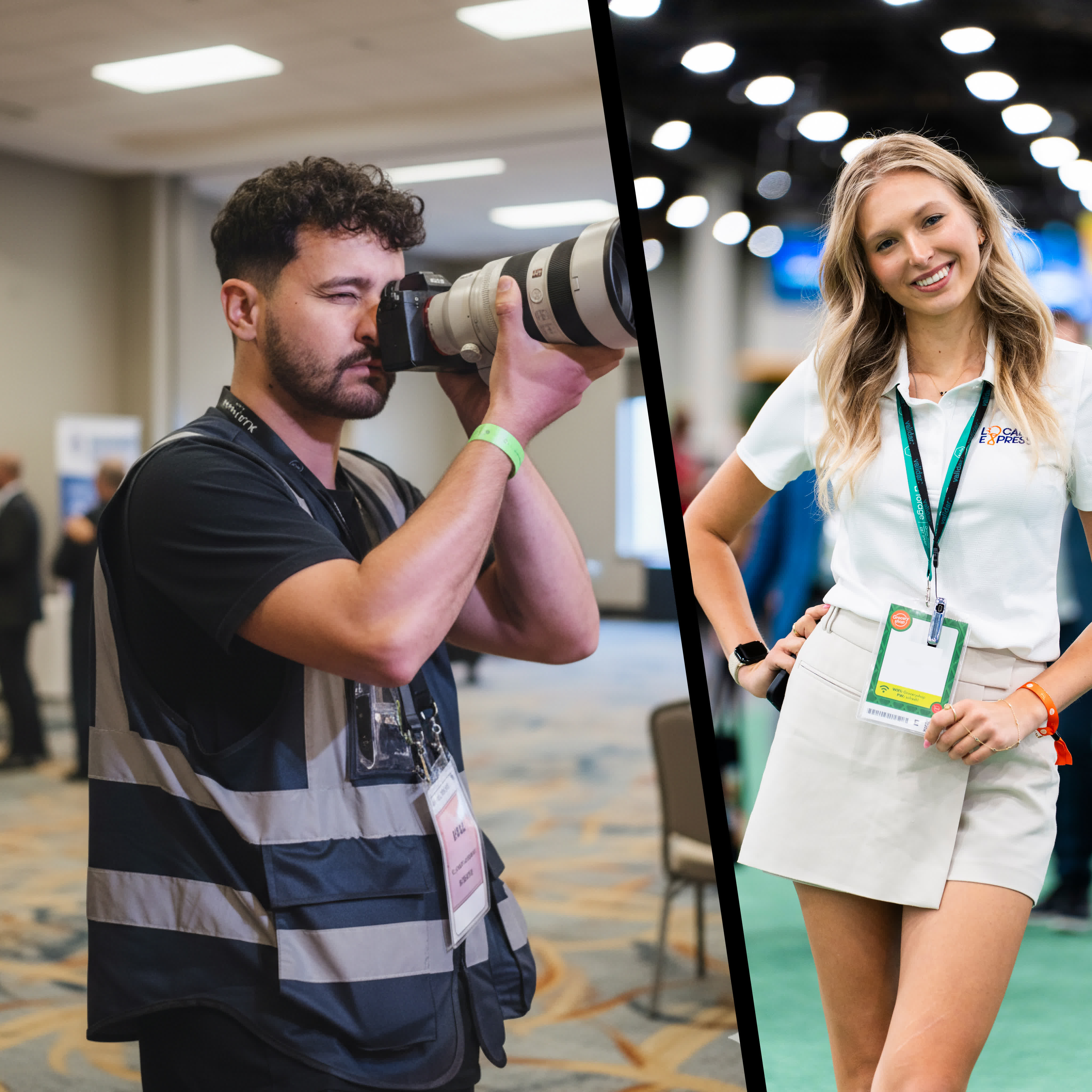
Your photographers shoot with their own cameras. Connect a camera to the Impulse Photographer app and photos upload as they shoot.
No live connection? Upload afterward by SFTP, the web uploader, the Mac app, or a Google Drive or Dropbox folder.
Impulse matches uploaded photos to guests who signed up, ready for personal delivery.
Drag photos onto your event’s upload page in any browser. Each file shows its progress, and every photo goes straight to matching and delivery. Prefer a folder? The Impulse Photographer app on Mac uploads everything in the folder you pick, including photos you add later.

Your photographers send photos from the camera over SFTP or FTP, using apps like Canon Content Transfer Professional or Nikon and Sony transfer apps. Photos go directly to Impulse servers. Image recognition matches each photo to the right guest, and it's delivered right away, with no upload page and no manual steps.


Already keep your photos in the cloud? Connect a Dropbox or Google Drive folder to your event. Every photo you add to the folder syncs to Impulse, gets matched to the right guest, and is delivered with no separate upload. Your editors can work from the same folder, so retouched photos reach guests too.
Running a photo booth too? Booth software that saves to a Dropbox or Google Drive folder, or sends over FTP, connects to Impulse like a camera. Booth photos are matched and delivered to each guest alongside your photographers’ shots. Share your booth setup with the Impulse team and we’ll confirm the workflow.
Event photographers captured 700+ photos, and guests got theirs in a watermarked gallery during the event.
Yes. Your photographers keep their cameras and connect them to the Impulse Photographer app.
Use Canon Content Transfer Professional (Canon CTP) to send photos from the camera to Impulse over SFTP.
Use Nikon NX MobileAir to send photos from the camera to an Android phone and on to Impulse.
Use the camera’s built-in FTP transfer to send photos to Impulse while you shoot.
No. Upload during the event or afterward from an SD card, by SFTP, the web uploader, the Mac app, Google Drive, or Dropbox.
Yes. Connect a Dropbox or Google Drive folder to your event, and photos you add to it sync to Impulse for matching and delivery.
Yes. Booth software that saves to a Dropbox or Google Drive folder, or sends over FTP, connects to Impulse the same way a camera does. Share your booth setup with the Impulse team to confirm its upload workflow.
Impulse matches event photos to signup selfies and adds them to each guest’s personal gallery.