
Event QR Codes: Where They Help at Brand Events and Where They Don't
An event QR code should do one job guests care about. Where QR codes help at brand events, from signup to check-in, and how to make one that works.

8 min read
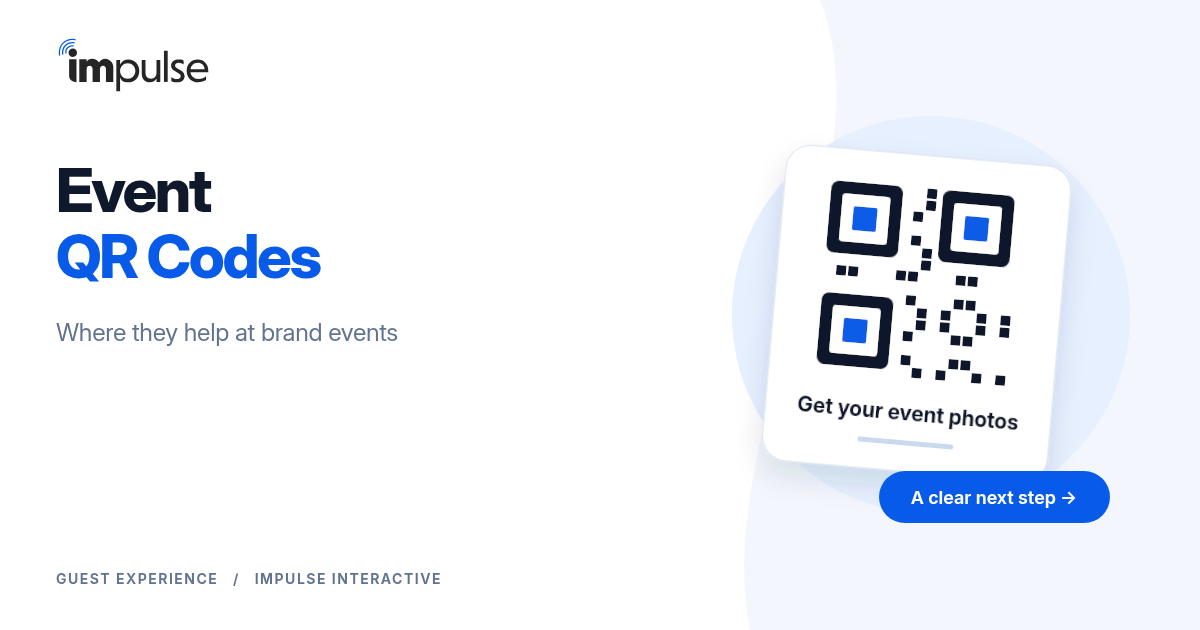
An event QR code is a code printed on a sign, badge, ticket or screen that opens a web page when guests point their phone camera at it. At brand events, the best event QR codes do one job that guests care about right then: get in the door, sign up for their photos, join the Wi-Fi or answer a quick survey.
The worst ones ask for something and give nothing back. This guide covers where QR codes help at brand events, where they hurt, and how to make an event QR code that guests actually use.
What Is an Event QR Code?
An event QR code is a shortcut from the physical event to a web page. Guests open the camera on their phone, point it at the code, and tap the link that appears. Modern iPhone and Android cameras read QR codes on their own, so guests don't need an app.
What happens next is up to you. The code can open a signup form, a check-in pass, a map, a menu or a survey. The code is only the door. The page behind it decides whether guests come back for the next one.
7 Places QR Codes Help at Brand Events
1. Event Signup at Open Activations
Pop-ups, sampling tours and festival booths usually have no registration. A QR code at the activation lets walk-in guests sign up on the spot, on their own phone, so you leave with contacts instead of a headcount.
The code works when the reward is clear. With Impulse, guests sign up to get their event photos: they enter a phone number and take a selfie, and image recognition sends them every photo they're in by SMS or WhatsApp, in seconds. See event signups without an app.
2. Check-In at the Door
For registered events, each guest can get a personal QR code by text on the day. Staff check the code at the door and the guest is in. Guests who left their phone in their bag can be found by name instead.
This is the one place a QR code belongs to the guest rather than the venue. See how event check-in works with QR codes and name lookup.
3. Wi-Fi Access
A Wi-Fi QR code connects guests to the network with no password to type. It's one of the few codes guests look for on their own. Put it on table cards and in the lounge, and pair it with the network name in plain text for laptops.
4. Agenda, Maps and Room Changes
At conferences and multi-room events, a code on signage can open the agenda or the venue map. Keep it to one link that you can update. Better still, text guests the link once they've signed up, so they don't need to find a sign again.
5. Sponsor and Booth Lead Capture
At trade shows and sponsor booths, a QR code lets visitors opt in on their own phone while staff are busy. Pair it with a reason to opt in, such as a photo at the booth. See the lead retrieval app for how booth teams capture visitors with a photo.
6. Surveys and Feedback
A QR code on the exit sign or the bar can open a 1-question survey. It works best near the end of the experience, when guests have an opinion and a minute to spare. For guests already signed up, a survey by text gets more answers than a sign. See surveys and feedback by text.
7. Waivers and Consent
Activations with driving experiences, tastings or sports often need a signed release. A QR code at the entrance lets guests sign on their own phone while they wait, instead of on a clipboard. See waivers and consent.
Where Event QR Codes Cause Fatigue
QR codes stop working when there are too many and most lead to long forms. Guests learn that a code means typing, so they walk past the next one.
The usual causes:
A different code for every table, poster and sponsor.
No reason to open it. "Join our list" gives the guest nothing.
A long form on a small screen.
An app store page instead of a web page.
We cover the fixes in detail, including the give-get, pre-registration and brand ambassadors, in our post on QR code fatigue at events. The short version: fewer codes, a clear reward, and fewer fields.
How Many QR Codes Should an Event Have?
As few as possible. Aim for one code per job a guest actually needs to do, and try to make one code do most of the work.
A practical setup for a brand activation:
One signup code at the entrance, the photo moments and the bar. Every copy opens the same page.
One Wi-Fi code, if guests need Wi-Fi.
Personal check-in codes sent by text, if the event has a guest list.
Everything else, like the agenda, the survey and the next event invitation, can go to guests by text once they've signed up. They get it on their phone without looking for another sign.
How to Make an Event QR Code That Works
Put the Reward Next to the Code
Write what guests get in 3 to 6 words: "Get your photos here", "Wi-Fi: point your camera here", "Check in for the lounge". A code with no label is a code most guests ignore.
Open a Short Web Page, Not an App
The page should load fast on venue Wi-Fi or a weak signal and ask for 1 or 2 fields. A phone number is enough to send guests their photos and follow up later. No app required should be the rule.
Size and Contrast
Use dark code on a light background, with a clear margin around it. A common rule of thumb is about 1 inch of code for every 10 inches of distance, so a code read from 5 feet away should be about 6 inches wide. Test it from where guests will actually stand.
Use a Dynamic QR Code
A dynamic QR code points to a short link you can change after printing. If a page moves or a form breaks, you fix the link, not the signage. Add UTM parameters so you can see which placement brings the most signups.
Place It Where Guests Wait
Lines, the bar, lounges and photo moments work. Walkways and exits don't, except for a closing survey. Put the code at eye level and light it, because evening events and dark venues make codes hard to read.
Pair It With a Person
Some guests will never open a QR code on their own. A brand ambassador who follows the photographer can sign guests up on the spot. With the brand ambassador app, the ambassador takes a photo of a guest or a group, and each guest enters their phone number on the ambassador's phone.
Event QR Code vs Text Link vs Brand Ambassador
| Signup path | Best for | Strength | Watch out for |
|---|---|---|---|
| Event QR code | Open activations, booths, lounges | Guests sign up on their own phone, at their own pace | Fatigue if there are too many codes or the form is long |
| Text or email link before the event | Registered events and guest lists | No sign to find, no line at the door | Only reaches guests you already know |
| Imported guest list | Launches, VIP lounges, conferences | Nothing to fill in at the event | Walk-ins still need a code or a person |
| Brand ambassador | Busy spaces, groups, guests who skip codes | Reaches guests a sign never will | Needs trained staff |
Most events use 2 or 3 of these together. At FQ Beach during Cannes Lions, Female Quotient collected 3,000+ guest signups, almost all by link and QR code, because guests knew they'd get their photos.
What Happens After the QR Code
A QR code is only worth the data it captures and the experience it starts. With Impulse, a guest who signs up gets their photos in seconds, and your team gets an opted-in contact on one guest list with their signup answers and check-in time.
From there, contacts sync to HubSpot, Salesforce or Microsoft Dynamics 365, or to Braze through a direct API sync, or you export the list as CSV. See how to send event leads to HubSpot and send event leads to Braze.
Frequently Asked Questions
What is an event QR code?
An event QR code is a code at an event that opens a web page when guests point their phone camera at it. Common uses are signup, check-in, Wi-Fi, agendas, surveys and waivers.
How do I make a QR code for an event?
Decide the one job the code does, build a short mobile page for it, then create a dynamic QR code that points to that page. Label it with what guests get, print it large enough, and test it from where guests will stand.
Do guests need an app to open an event QR code?
No. Modern iPhone and Android cameras read QR codes directly. The page behind the code should open in the browser, not send guests to an app store.
How do QR codes work for event check-in?
Each registered guest gets a personal QR code, usually by text or email. Staff check the code at the door with a check-in app, and guests without their code can be looked up by name.
How many QR codes should an event have?
As few as possible: one code per job guests need to do. Send everything else, like agendas and surveys, by text after guests sign up.
Make Your Next Event QR Code Worth Opening
Impulse gives guests their own event photos by SMS or WhatsApp in seconds, with no app required, and gives you opted-in contacts for your CRM. Book a demo to see the signup, check-in and photo delivery flow.
Take the Next Step with Impulse
Start your journey toward more engagement, greater social reach, and data driven decisions. Use Impulse and unlock your events' full potential.